Creating a User Waypoint by Latitude/Longitude (cont’d)
Hint
If you want to quickly establish a waypoint as you fly over a
position, you may choose to accept the automatically
assigned numerical identifier instead of naming the waypoint.
Pressing ENT at this point in the procedure eliminates the
need to execute steps 3 and 4.
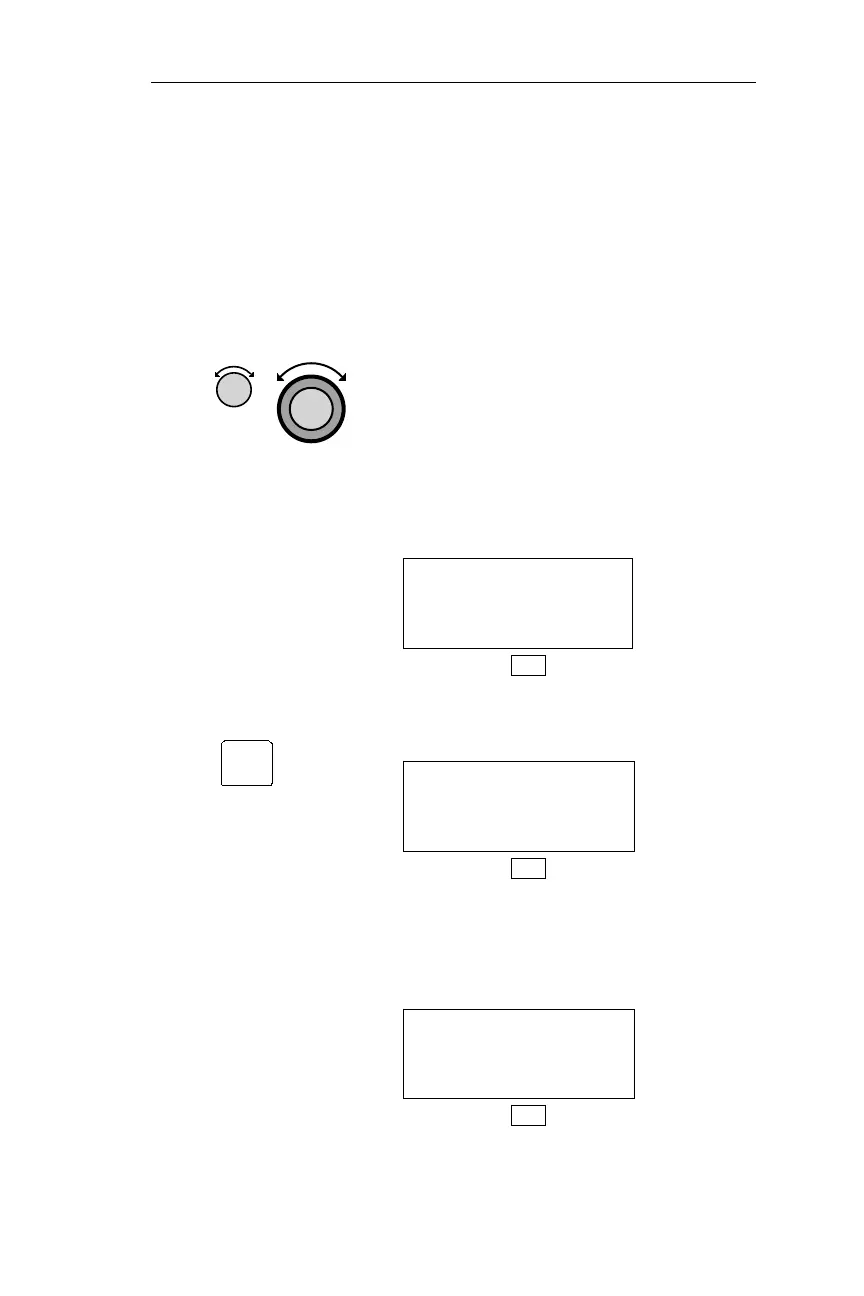
3. Turn theSmall knob todisplay the desired
character. Turn the Large knob to make
the next character you want to change
flash. Repeat to edit the identifier,
Latitude, longitude, and the runway
length. The identifier may contain up to
six characters. When a waypoint is
created at the location of the waypoint, it
is not necessary to edit the position
coordinates (Latitude/Longitude).
HOME USER
44°54.58N RWLEN
123°00.08W 2800
DB
4. Press ENT to store the waypoint in
memory.
CREATE USER WPT
BY LAT/LON
PRESS ENT
DB
If a duplicate identifier is entered, the display
below appears for approximately 3 seconds.
TheNMCthendisplays the waypointediting
page so you can change the identifier.
DUPLICATE USER
WAYPOINT IDENT
NOT ALLOWED
DB
129
Operations DB Mode Procedures
ENT



 To Next Page