Creating a User Waypoint by Radial/Distance (continued)
8.
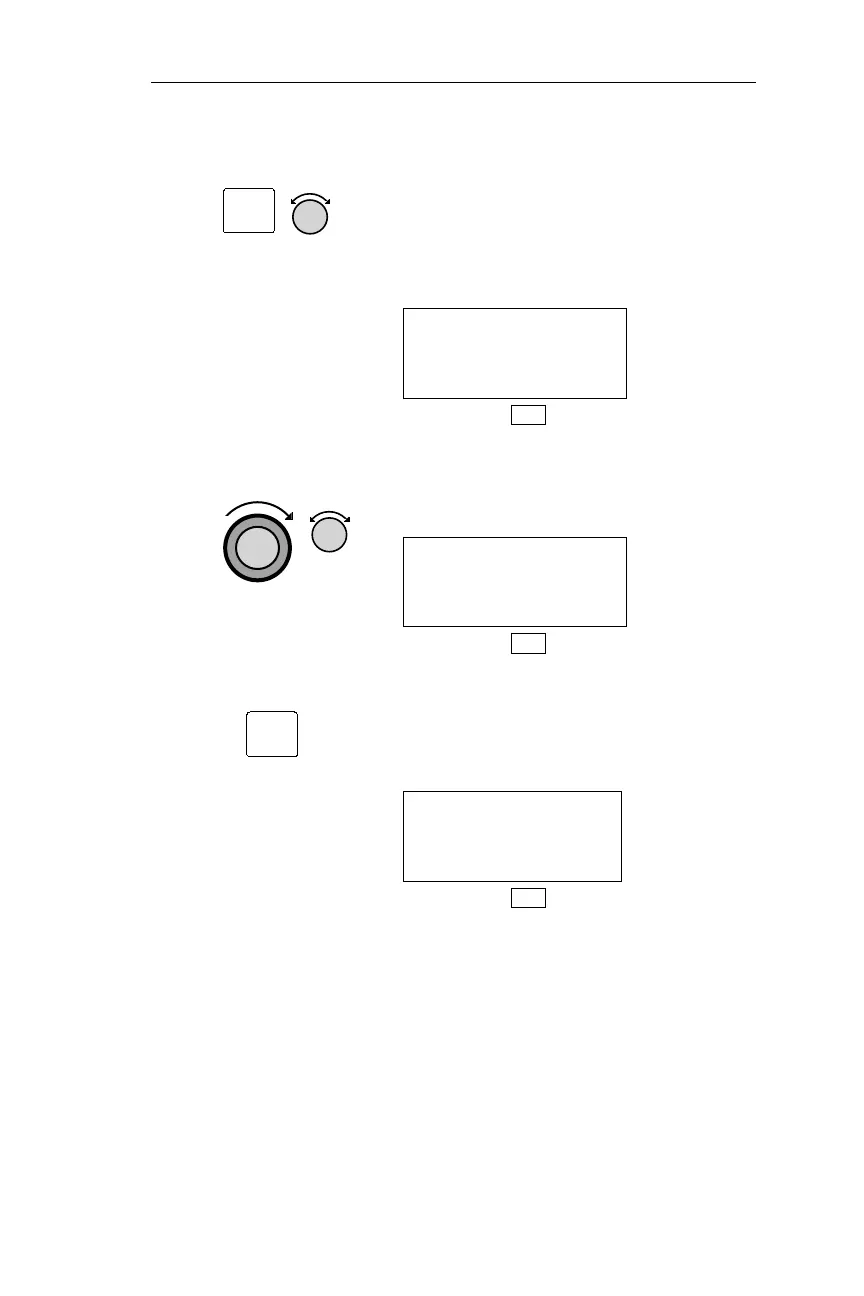
Pressing ENT enters the displayed
waypoint as the reference waypoint,
and displays the Reference Waypoint
page. Turn the Small knob to choose
the first radial value number.
REF WPT: ONP
100.0° 000.0NM
DB
9. Use the Large and Small knobs to
choose the remaining numbers in the
radial and distance values.
REF WPT: ONP
165.0° 011.1NM
DB
10. Pressing ENT enters the displayed
Radial/Distance values. The NMC
calculates the latitude/longitude, and
displays the User Waypoint Edit page.
#006 USER
44°23.72N RWLEN
124°04.21W 0000
DB
133
Operations DB Mode Procedures
ENT
ENT



 To Next Page