Manually Entering Magnetic Variation (continued)
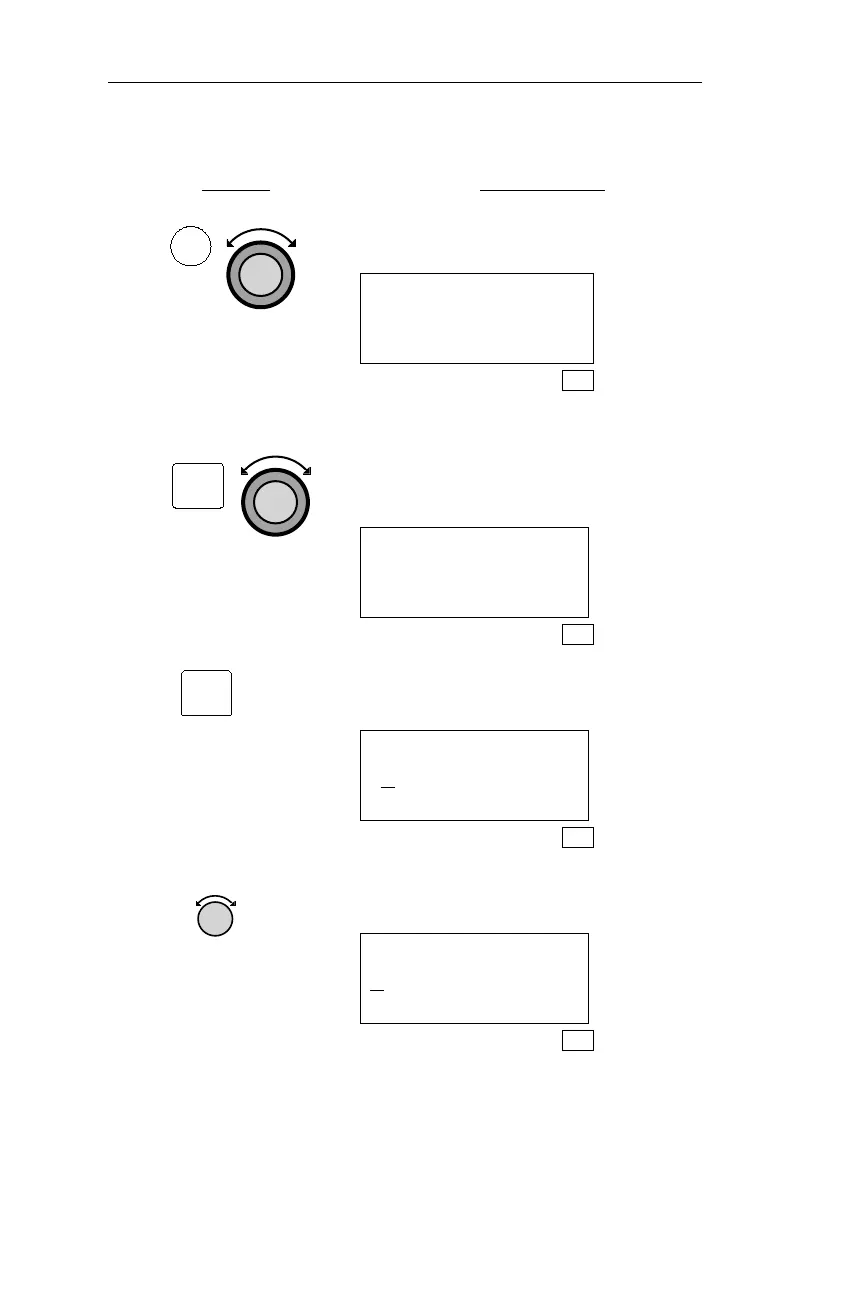
Action Explanation
1. In SYS mode, turn the Large knob to
display the Navigation Info page.
Navigation Info
Press ENT
SYS
2. Pressing ENT activates the Navigation
Info sub-state functions. Turn the
Large knob to display the Mag
Variation page.
MAG VARIATION
AUTO 09°W
SEL TO EDIT
SYS
3. Pressing SEL activates editing.
MAG VARIATION
A
UTO 09°W
SYS
4. Turn the Small knob to display
“Manual.”
MAG VARIATION
M
ANUAL 09°W
SYS
192
Navigation Information Sub-State Operations
SYS
ENT
SEL



 To Next Page