Manually Entering Magnetic Variation (continued)
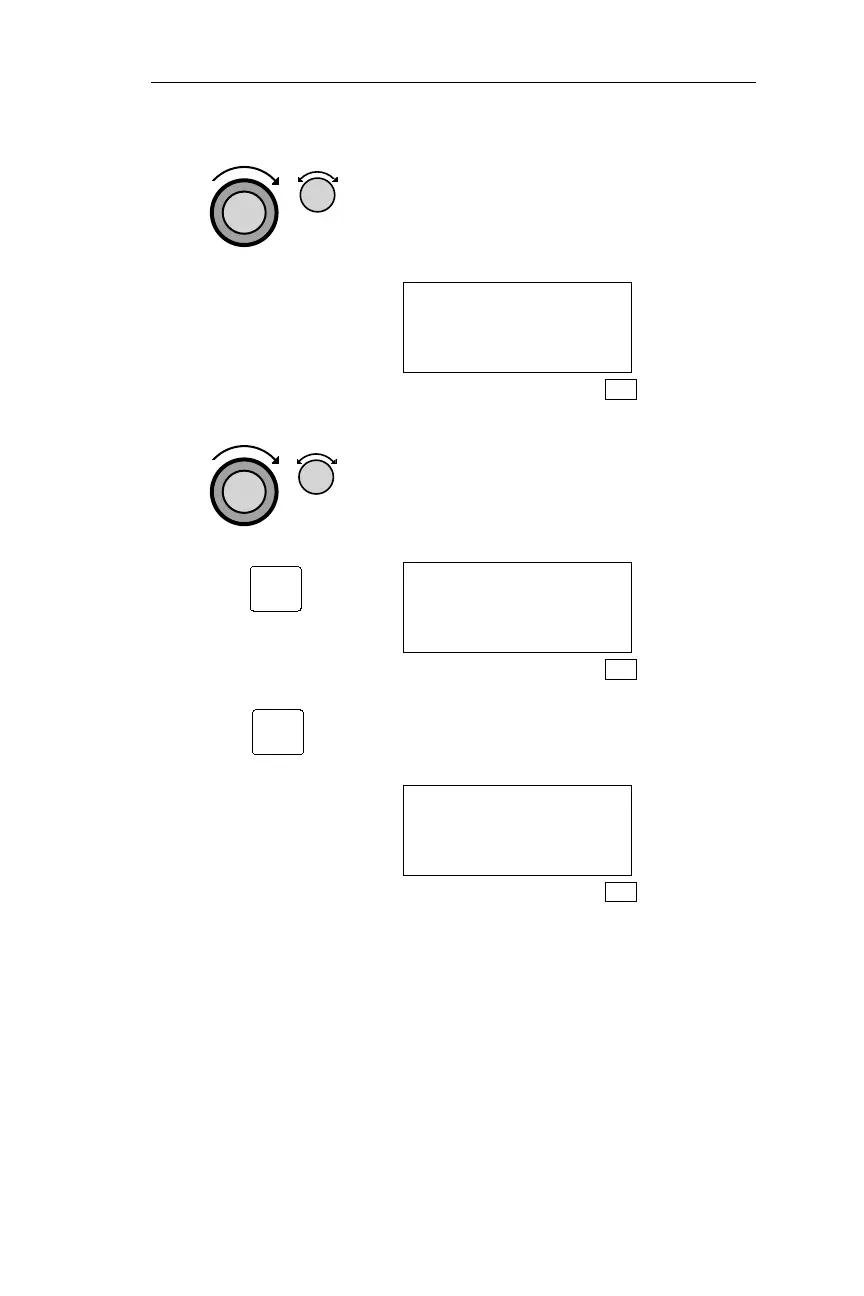
5. Turn the Large knob to make the Mag
Variation value flash. Turn the Small
knob to display the desired Mag
Variation.
MAG VARIATION
MANUAL 15°W
SYS
6. Turn the Large knob to make the
direction character flash. Turn the
Small knob to display “E” (East) or
“W” (West). Pressing ENT enters the
displayed Mag Variation.
MAG VARIATION
AUTO 15°W
SEL TO EDIT
SYS
7.
Pressing ENT saves the magnetic
variation setting.
MAG VARIATION
MANUAL 15°W
SEL TO EDIT
SYS
193
Operations Navigation Information Sub-State
ENT
ENT



 To Next Page