4 - 39
4.4 Output to the Printer
4.4.1 Print
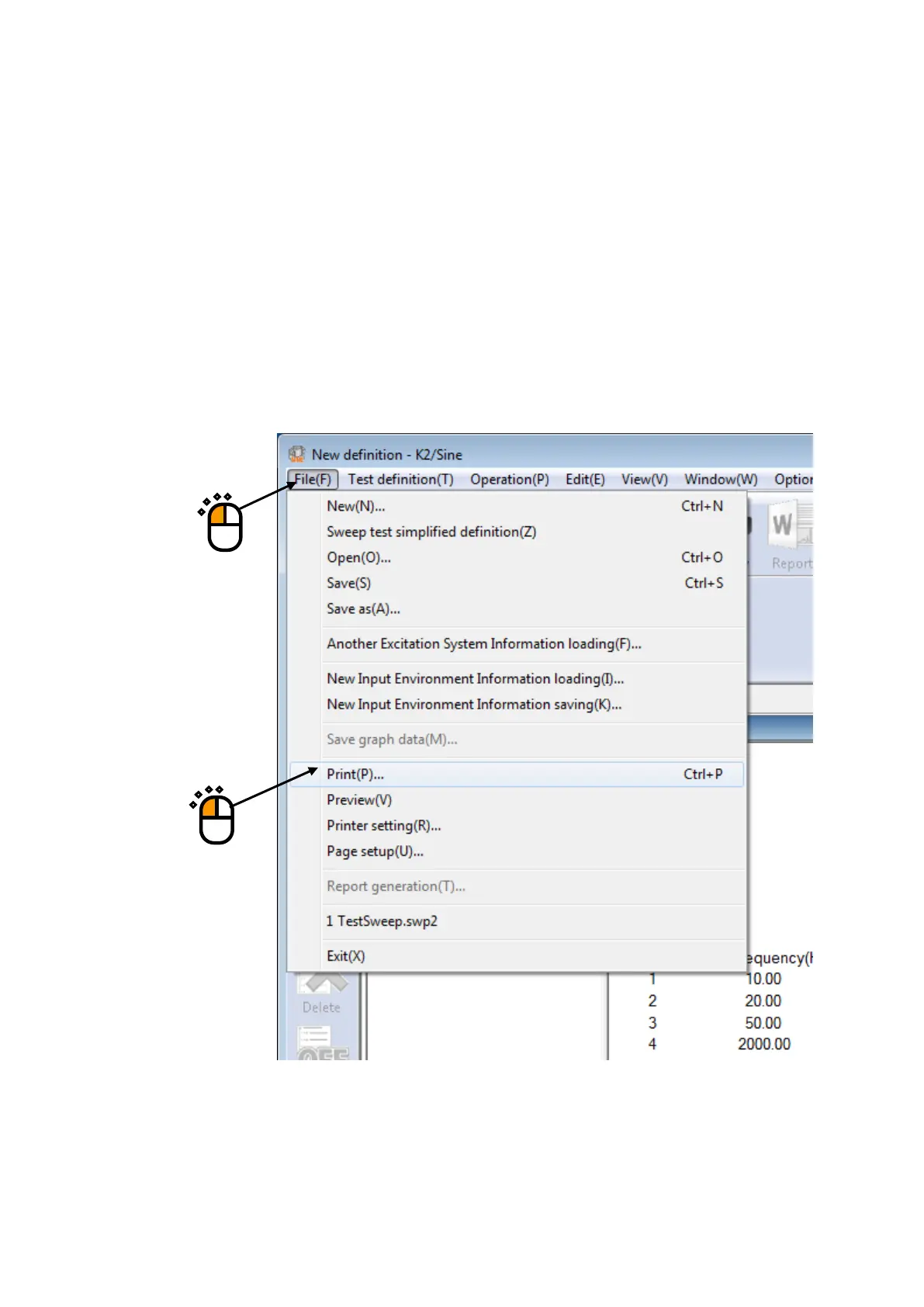
In K2 Application, Test Definition, Graph and Log are printed out mainly by using the function
of print executed by selecting “File” – “Print” in the menu bar.
The items to be printed out are available to select by clicking on it.
< Procedures >
< Step 1 >
Select “File” in the menu bar and click “Print” among the items.
①
②



 To Next Page