2 - 38
2.5 Other Settings
The description of items to be set on the other hardware is provided as below. However, you don’t
have to care about these items very much generally.
2.5.1 Emergency Stop Input Contact
The function of Emergency Stop Input Contact enables to reduce the drive output to zero
compulsory (without using the software).
This function can be set to ‘ON/OFF’, and the setting of ‘Contact Polarity’ in Emergency Stop
operation is also available on the hardware.
Set the contacts using the switches within the cabinet.
Be sure to touch a metal or others to discharge static electricity from your body before setting the
contacts.
Pull the power cable out of the cabinet, and then open the cabinet cover.
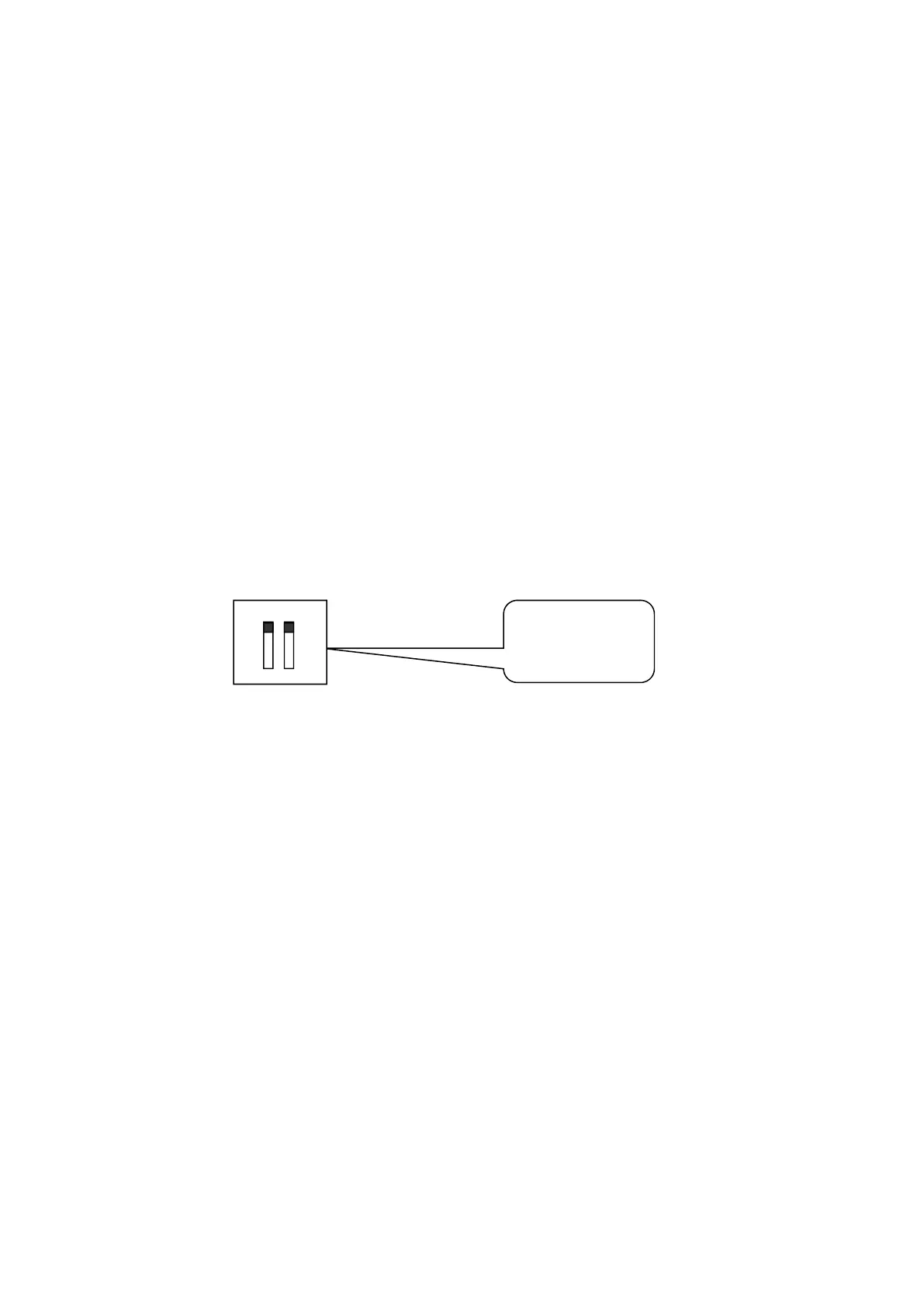
Set the emergency stop switches on the board.
Initial setting of this function is as below ;
ON/OFF OFF
Polarity +
Upper : ON/OFF
Lower : Polarity
+
OFF
ON
-
1 2
ON



 To Next Page