3 - 1
Chapter 3 Setting of K2 System
3.1 Environment Setting
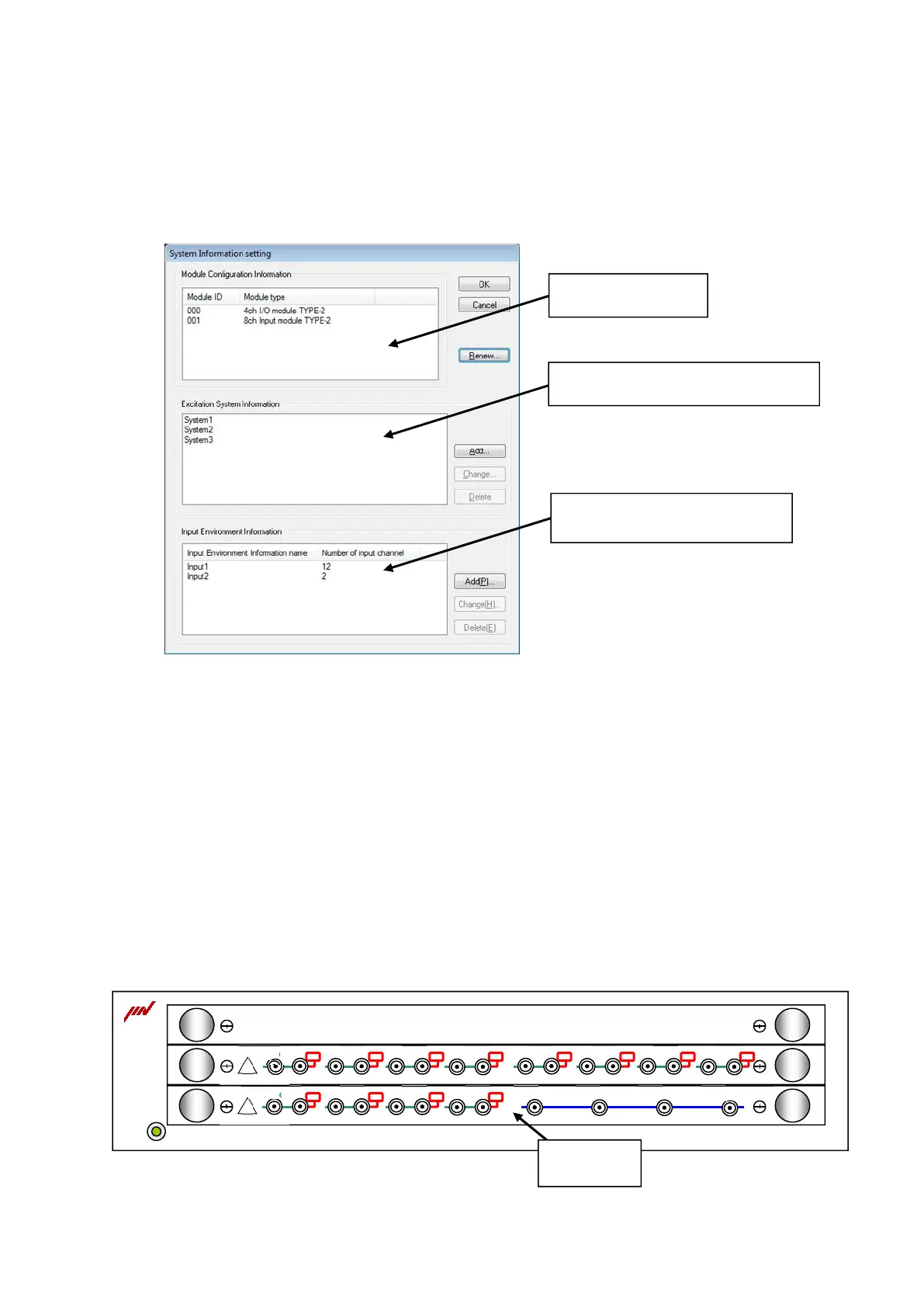
In Environment Setting, I/O Unit Information, Excitation System Rating Information and the
definition information of sensor specifications generally used are defined.
3.2 I/O Module Configuration
ID number and the type of I/O Module (Input/output board and Input board) that constructs K2 I/O
Unit are displayed.
< I/O Module Configuration change >
The display is to be updated to the latest information by pressing the [Renew] button on the right of
the list of I/O Module Configuration when the K2 I/O Unit Configuration is changed.
Before renewing the information, I/O Unit should be connected to the current PC by the dedicated
cable and power must be turned on.
When the test initialization is impossible to operate after changing the configuration of I/O Unit,
execute the command of “Another Excitation System Information loading” process described in Chapter
4.
POWER
INPUT
OUTPUT
!
INPUT
!
I/O Module
Excitation System Rating Information
Definition information of sensor
specifications generally used
I/O Unit Information



 To Next Page