5 - 4
5.4 Settings for ECO-option
To make the ECO-option enabled, the ECO-option settings on K2 are necessary to be correctly set.
The ECO-option settings here affects to all of the K2 application installed on the system.
Notice) If the setting items described here is changed incorrectly, the ECO SHAKER system would
not work correctly. Please do not change the settings from those set at the shipping from the
factory.
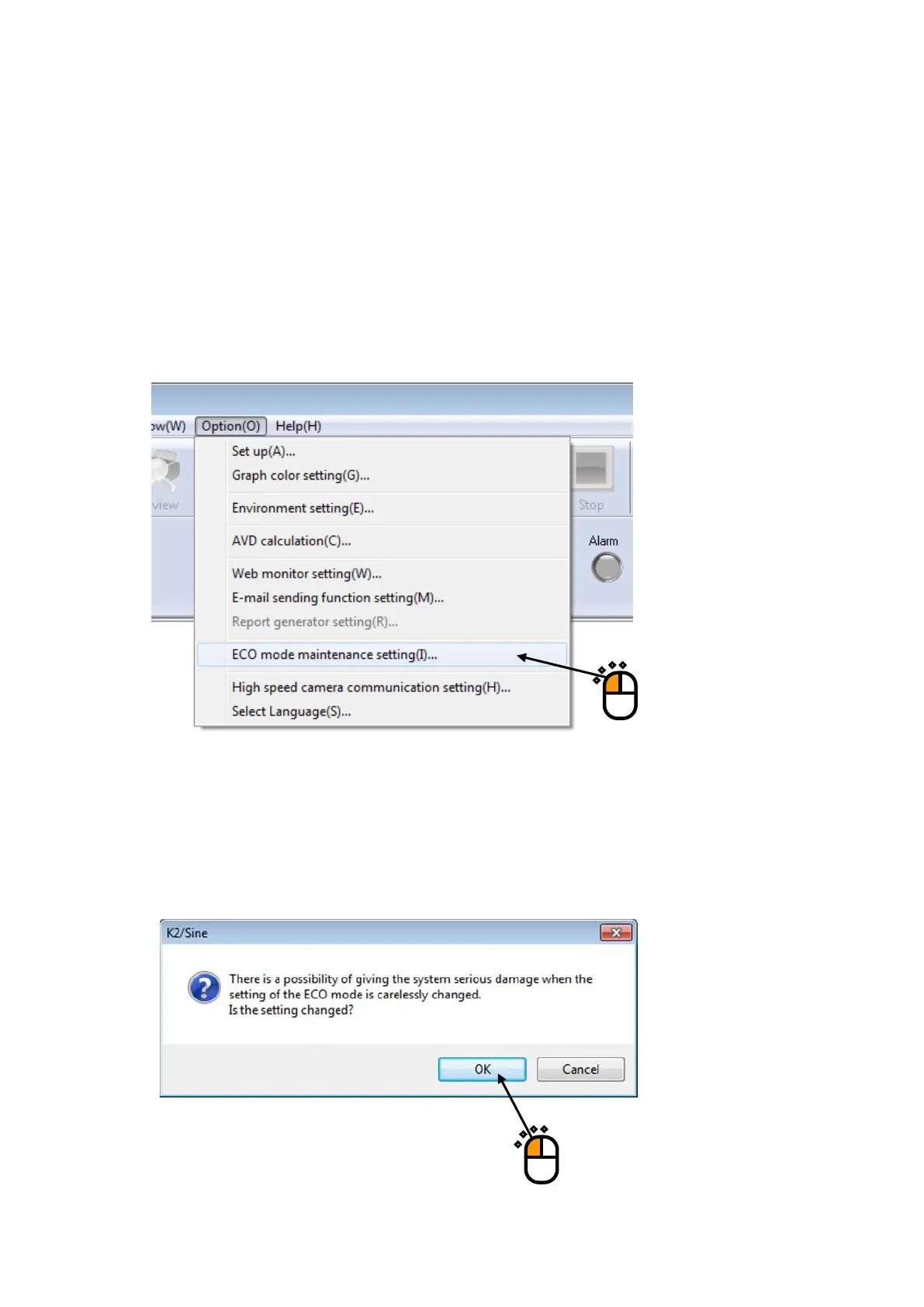
<Step 1>
“Option” is selected from the Menu bar, and “ECO mode maintenance setting” is clicked.
<Step 2>
A message box for caution appears. [OK] is pressed.



 To Next Page