4 - 1
Chapter 4 Fundamental Operation Method
4.1 Outline
In K2 application, operation after booting up is executed by using the keyboard and the mouse. The
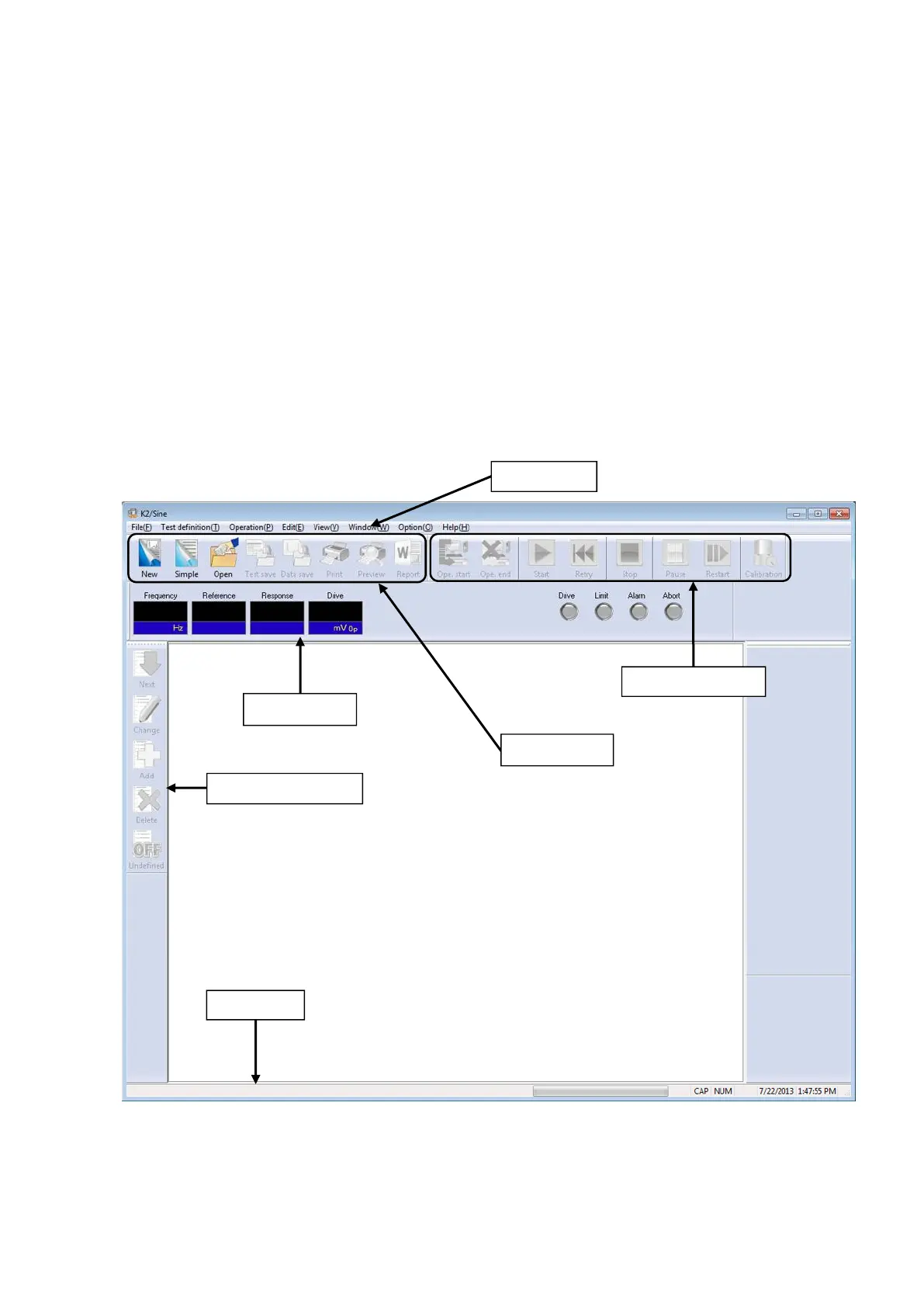
window displayed as below appears when this application is started.
The names of all menus available in this application are displayed at the menu bar. A list of available
commands appears by clicking each name of menus.
Each tool bar displays the commands that are frequently used in the menu as icons.
When an icon is clicked, the command corresponding with this icon is operated or the dialog box
corresponding with this command is opened.
Operation condition of K2 Controller is displayed in the status bar.
Condition during Excitation Operation is displayed in Operation Status Panel.
File tool bar
Definition tool bar
Status Panel



 To Next Page