4 - 16
4.3 Graph Operation
It describes about items that are used for graph operations such as selecting of graph display and
changing of scale as below.
4.3.1 Graph Tool Icons
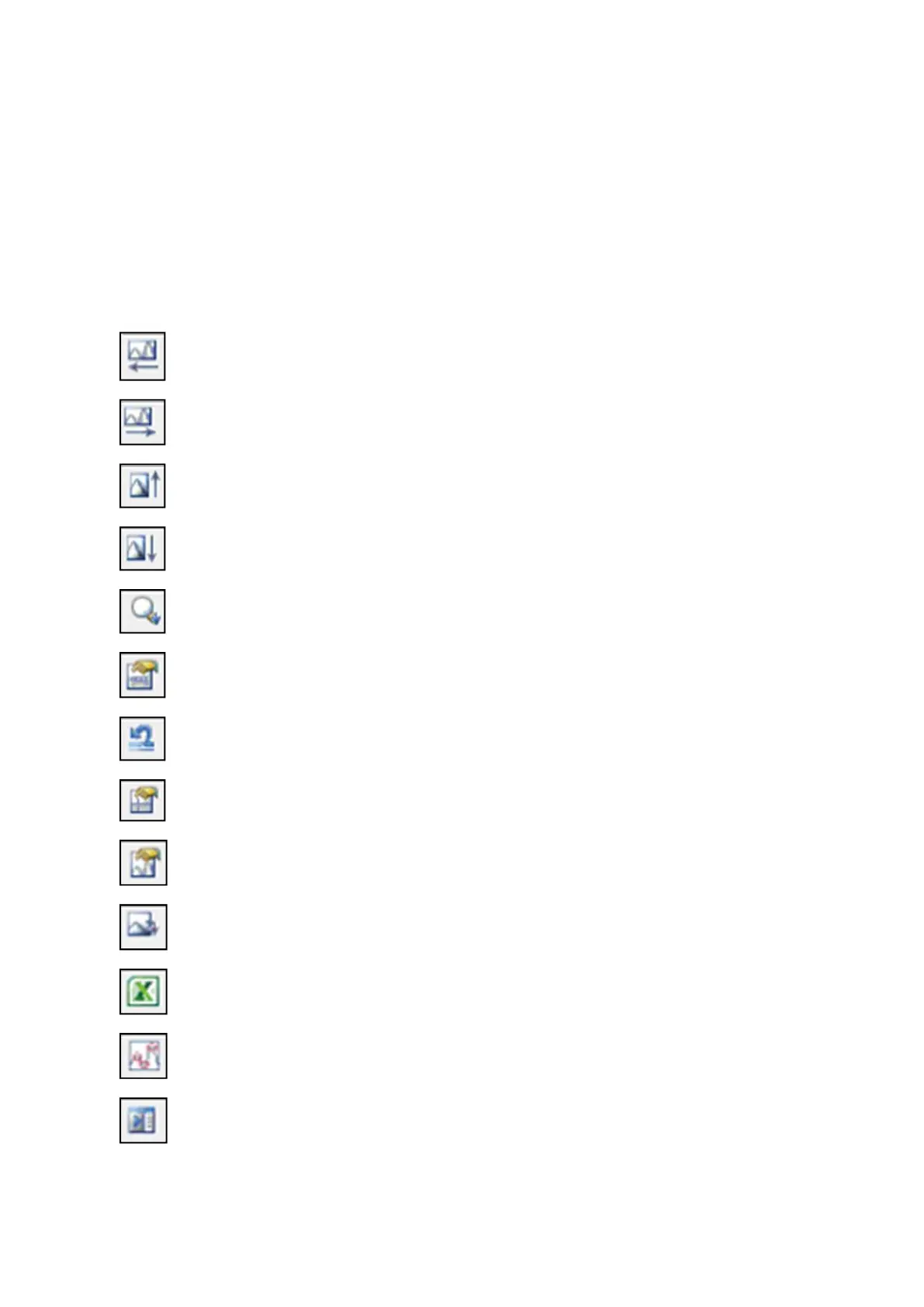
Commands used for handling graphs are indicated by icons on the upper part of graph display
area. When any icon is clicked, command corresponding to the icon will be executed immediately,
or a dialogue box corresponding to the command appears.
Moves in graph display area leftward.
Moves in graph display area rightward.
Moves in graph display area upward.
Moves in graph display area downward.
Changes graph zooming by dragging.
(Zooming horizontally only, vertically only, and in both directions are allowed)
Changes graph scale. (Refer to “4.3.3 Scale”)
Returns scale to the initial status.
Displays a cursor. (Refer to “4.3.4 Cursor Display”)
Changes the currently displayed graph. (Refer to “4.3.5 Graph Change”)
Converts a graph into CSV data. (Refer to “4.5.1 File conversion to CSV”)
Outputs a graph on Excel. (Refer to “4.5.2 Graph display on Excel”)
Displays peak marks. (Refer to “4.3.6 Peak Mark”)
Displays legends.



 To Next Page