5 - 1
Chapter 5 Energy-saving operation: ECO-option (ISM)
5.1 Outline
With the ECO-option attached, K2 realizes the energy-saving operation of the shaker system, just
keeping the control accuracy and the usability of the ordinary K2 system. By the attachment of this
option, the power consumption of the shaker system is minimized for the given excitation condition.
The environmentally-friendly vibration testing is realized by the “ECO SHAKER” system.
ECO-option does not work alone within the K2 controller, but it works in collaboration with the
<ISM-EM> Energy saving system to achieve the ECO SHAKER operation.
All the K2 application software in the ECO SHAKER system must be installed with the ECO-option;
mixture of the ECO-option attached applications and not attached ones is not allowed.
5.2 Constraints in operation
The test definition information must be fixed before the Energy saving operation (E-save operation)
of the ECO SHAKER system is begun, and some constraints in the operation mode become necessary
for this reason. The constraints in SINE and RANDOM are explained in the below
5.2.1 Constraints in SINE
SWEEP
(*1)
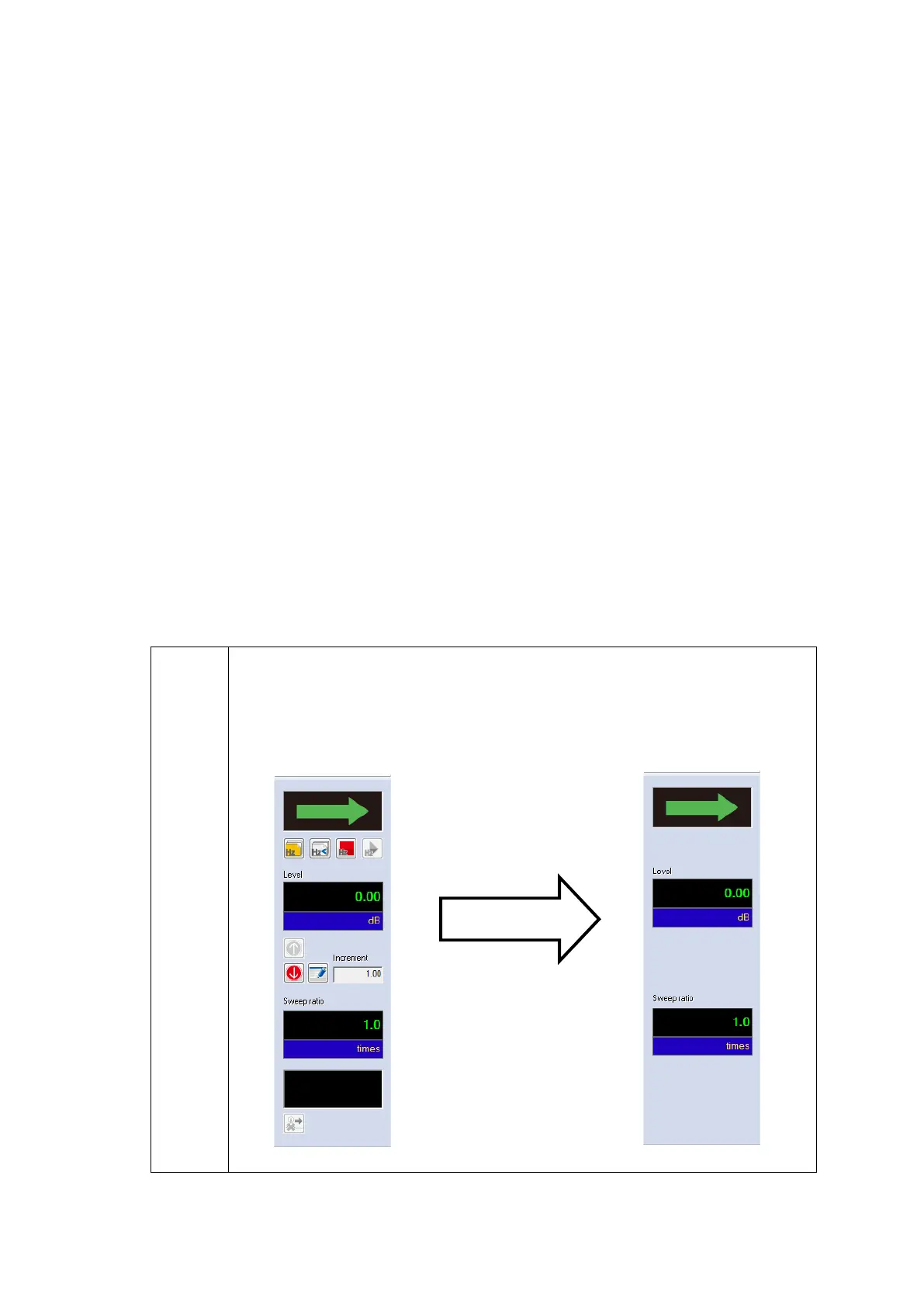
Below buttons in the Manual operation tool bar are grayed out (invalidated):
“Excitation level up”, “Excitation level down”, “Excitation level change”,
“Shift to the beginning point of the next sweep”,
“Sweep reverse”, “Sweep fixing”, “Sweep fixing cancel”
E-save mode



 To Next Page