7 - 24
7.3.2.4 Setting of control channel
In the ‘Standards’ mode, the control channel can be selected from the input channels that are
defined in the top information registered in the input environment information.
All defined input channels in the top information except the selected channel as control
channel are set to the monitor channel. When change of the monitor channel setting is
needed, open the test file from applications and change the setting.
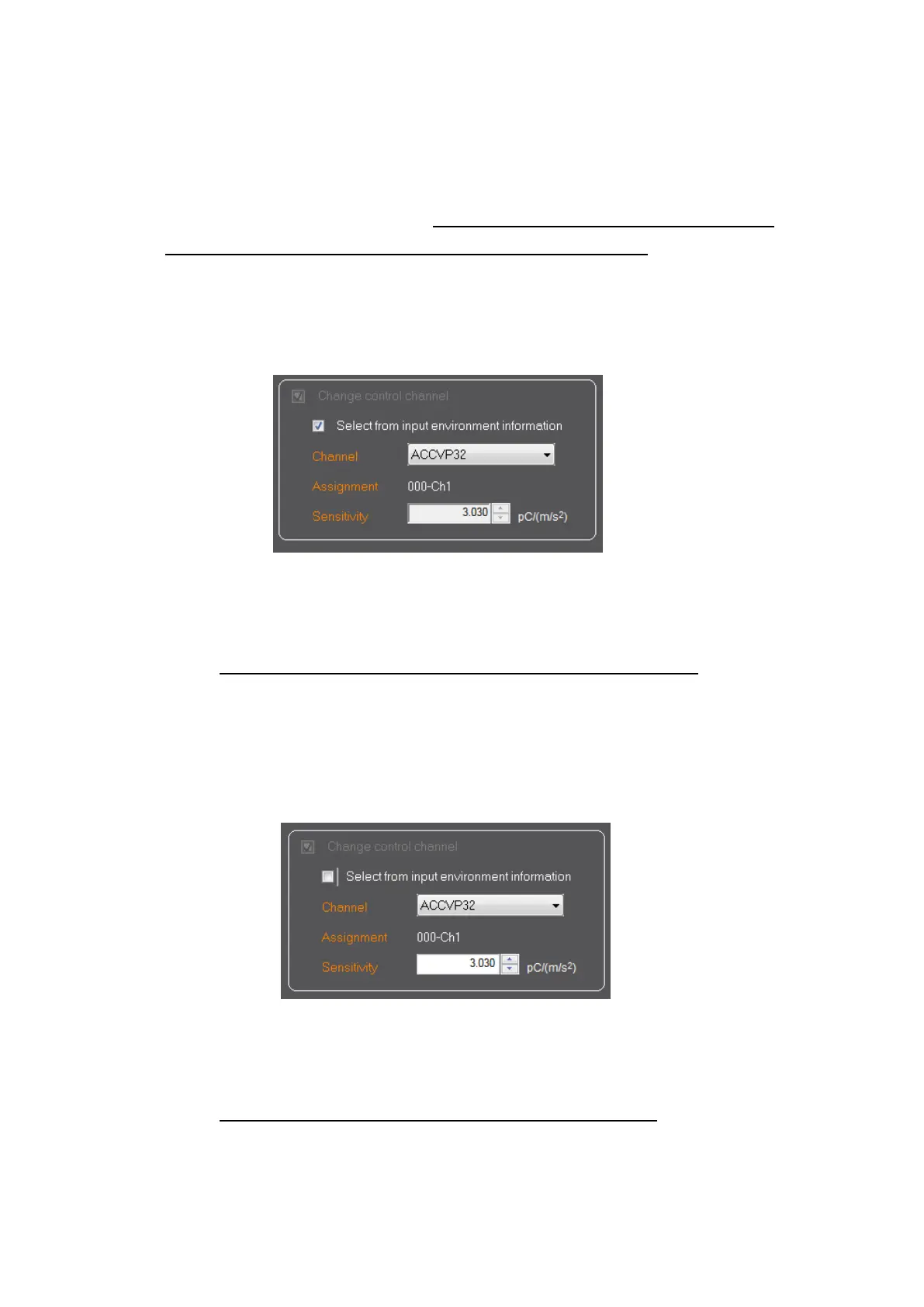
7.3.2.4.1 Use the original sensitivity of input environment information
Check the check box of "Select input environment information".
The first channel of the top information registered in the input environment
information is displayed. Select the control channel from the displayed input channel
list.
The sensitivity of the selected input channel can NOT be changed.
The test file saving screen appears after the button of [Next]is pressed.
7.3.2.4.2 Modify the sensitivity of input environment information
Clear the check box of "Select input environment information".
The first channel of the top information registered in the input environment
information is displayed. Select the control channel from the displayed input channel
list.
The sensitivity of the selected input channel can be changed. The sensitivity of the
input environment information is not changed by this modification.
The test file saving screen appears after the button of [Next]is pressed.



 To Next Page