4 - 9
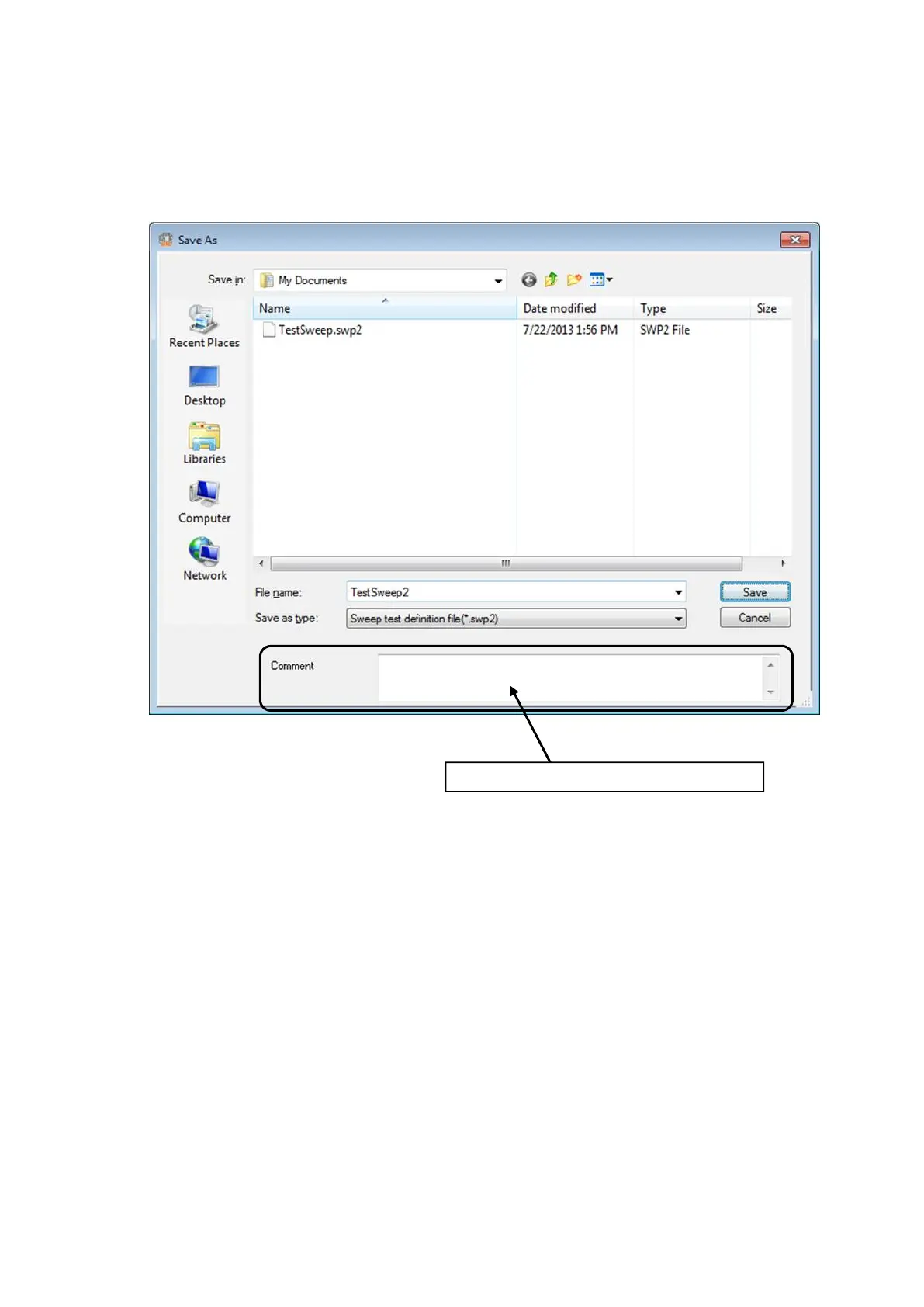
4.2.4.2 Save As
The dialog shown as below appears by the following procedures ;
Select [File] in the menu bar and click [Save as],
or operating the function of [Save] to save a new Test Definition File.
A comment can be inputted if it is necessary.
(In the dialog box for processing files dedicated to this system, ‘Comment’ to be inputted
are used as comments of a file literally.)
A comment can also be saved with a file name.



 To Next Page