4 - 5
4.2.3 Description of Icons
The commands that frequently used in the menu bar are displayed as icons on the tool bar below
the menu bar. When an icon is clicked, a command corresponding with the icon is executed
immediately or a dialog box corresponding with this command is opened.
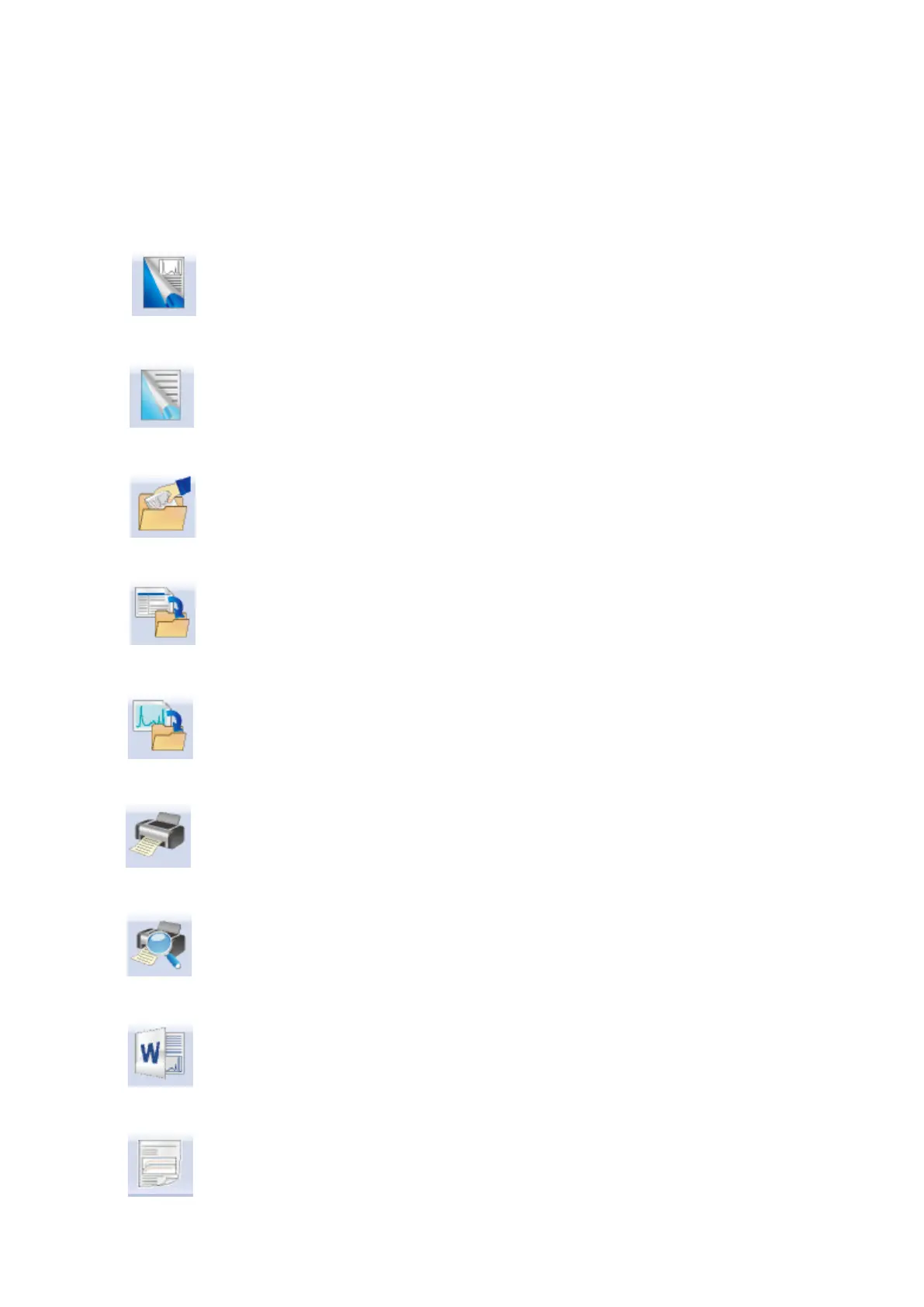
Actions of the system when each button of the tool bar is pressed are described as follows ;
This command is for creating a new test. Test Definition (Test Condition, Test
Contents) is newly defined.
This commend is for generating a new test in simplified definition mode.
The contents of definition are limited but it is easy to be defined.
(SINE, RANDOM, SHOCK)
This command is for opening the saved Test Definition file.
This command is for saving Test Definition of an operation objective in a file.
This command is for saving Data in a file.
Print
Print preview
Report generation on Mictosoft Word
Quick report generation on web browser or Microsoft Word(Quick Report)



 To Next Page