4 - 4
(2) Other applications
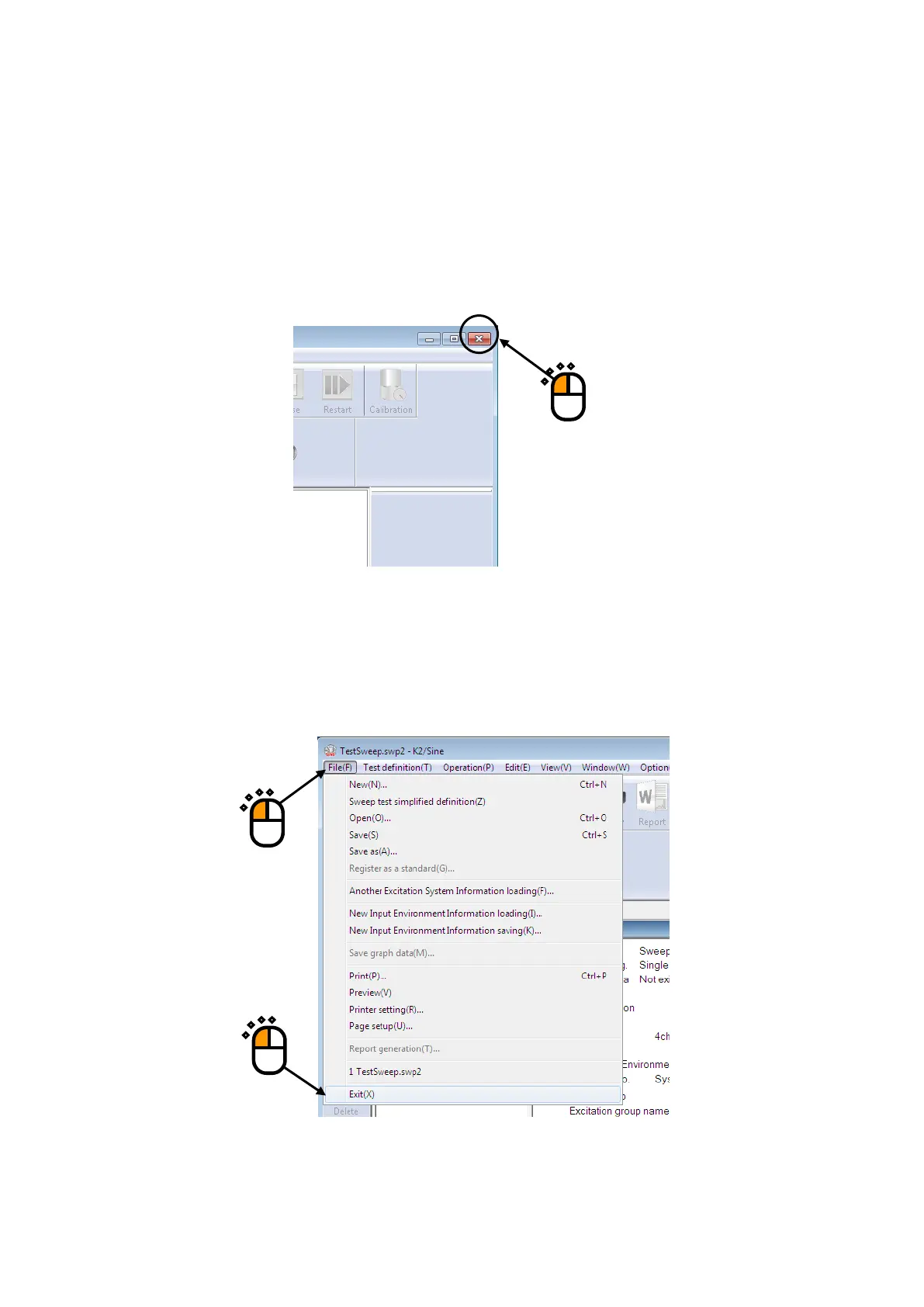
Following procedures are provided to exit from K2 application. In this clause, it describes the
procedures to close the application by using the close button and using the command in the menu
bar.
① Procedure of closing by Close Button
The application is ended by clicking the close button on the upper corner of the right in the
window in Test Definition mode.
② Procedure of closing by the command in Menu Bar
Select [File] in the menu bar in Test Definition mode. The commands of [File] appear. The
application is ended by selecting [Exit] among the commands.
①
②



 To Next Page