4 - 84
4.9.4 Quick Report
The function of Quick Report is for writing the testing result through a web browser or
Microsoft® Word after a test is finished, in a similar manner to the Report Generator. It features
easier setting than the Report Generator and non-necessity of Microsoft® Word. On the other hand,
it does not allow fine position adjustment. Use the functions appropriately for your purpose.
If you choose Microsoft® Word as the destination of the result with this function, the
corresponding version is the same as that of the Report Generator.
<Procedures (Selection of output items)>
<Step 1>
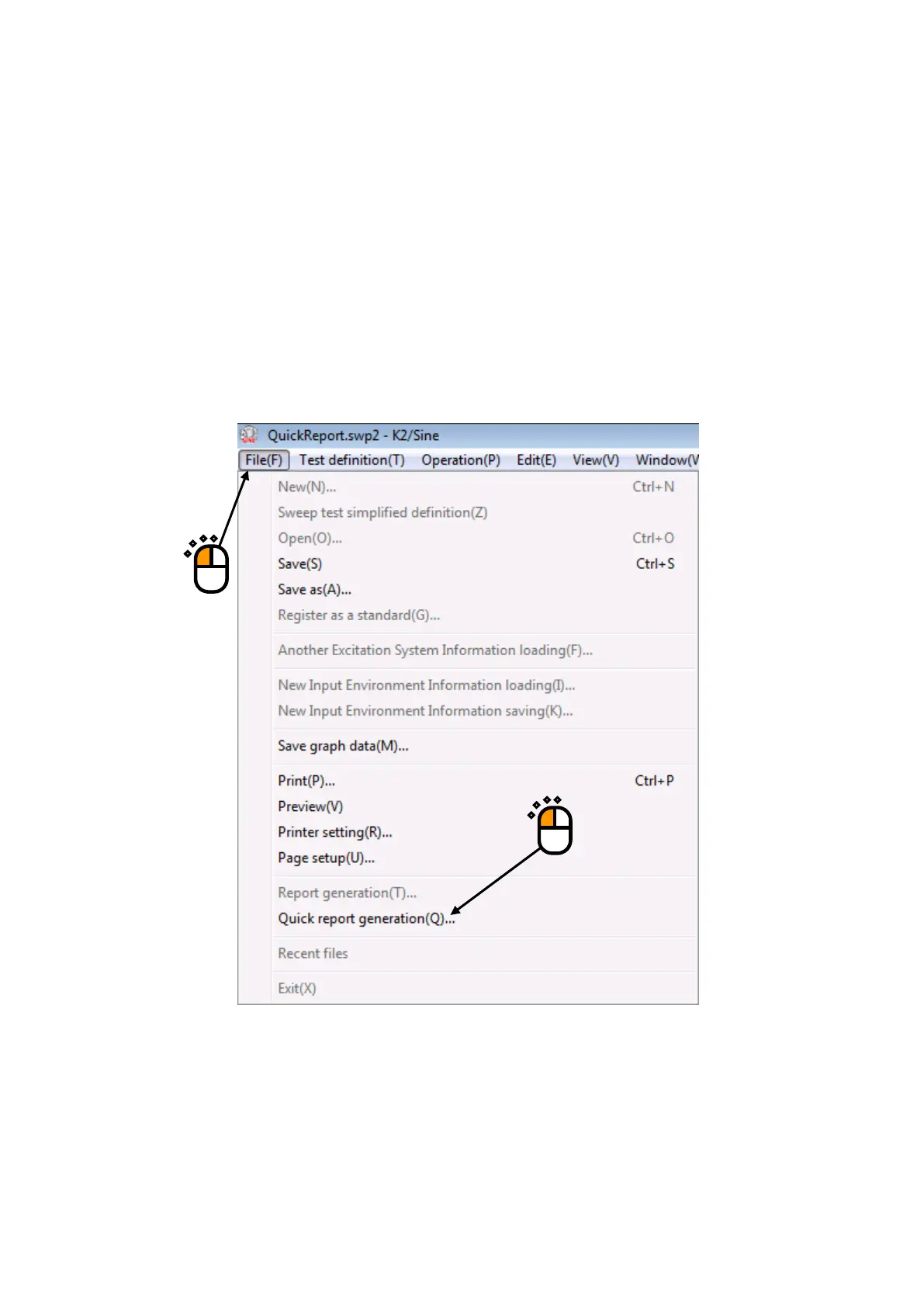
After a test is finished, select “File” in the menu bar and click “Quick report generation”.
①
②



 To Next Page