4 - 85
<Step 2>
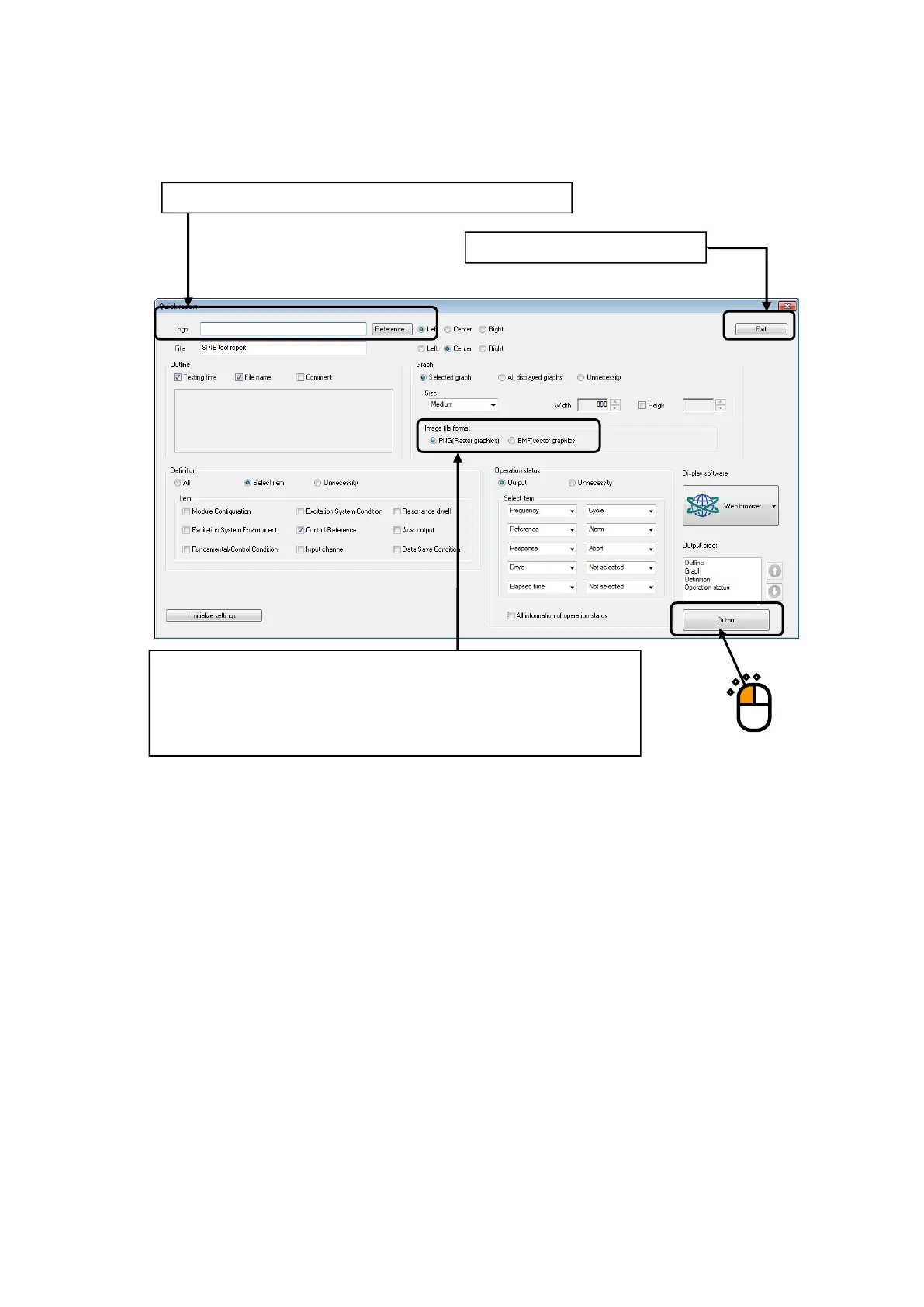
The dialog to select the item to be output to a quick report opens.
This dialog is of SINE. Selection items vary slightly depending on the application.
Click [Output] button.
To add a logo, input or select the path to the target image file.
Either PNG (raster type) or EMF (vector type) graphic image type can be
selected. In the EMF, images do not get rough even figures are enlarged.
However, figures cannot displayed through any browser other than Internet
Explorer.
Saves the status selected at ending.



 To Next Page