4 - 50
4.7 Test Definition File
It describes that each data saved in Test Definition file (Live Data in Operation, Excitation system
information, Input environment information).
4.7.1 Saving Live Data in Operation
The state at the test abort (completed), that is, a data necessary for the test is to be recorded by
saving its Test Definition file of the state at excitation completed.
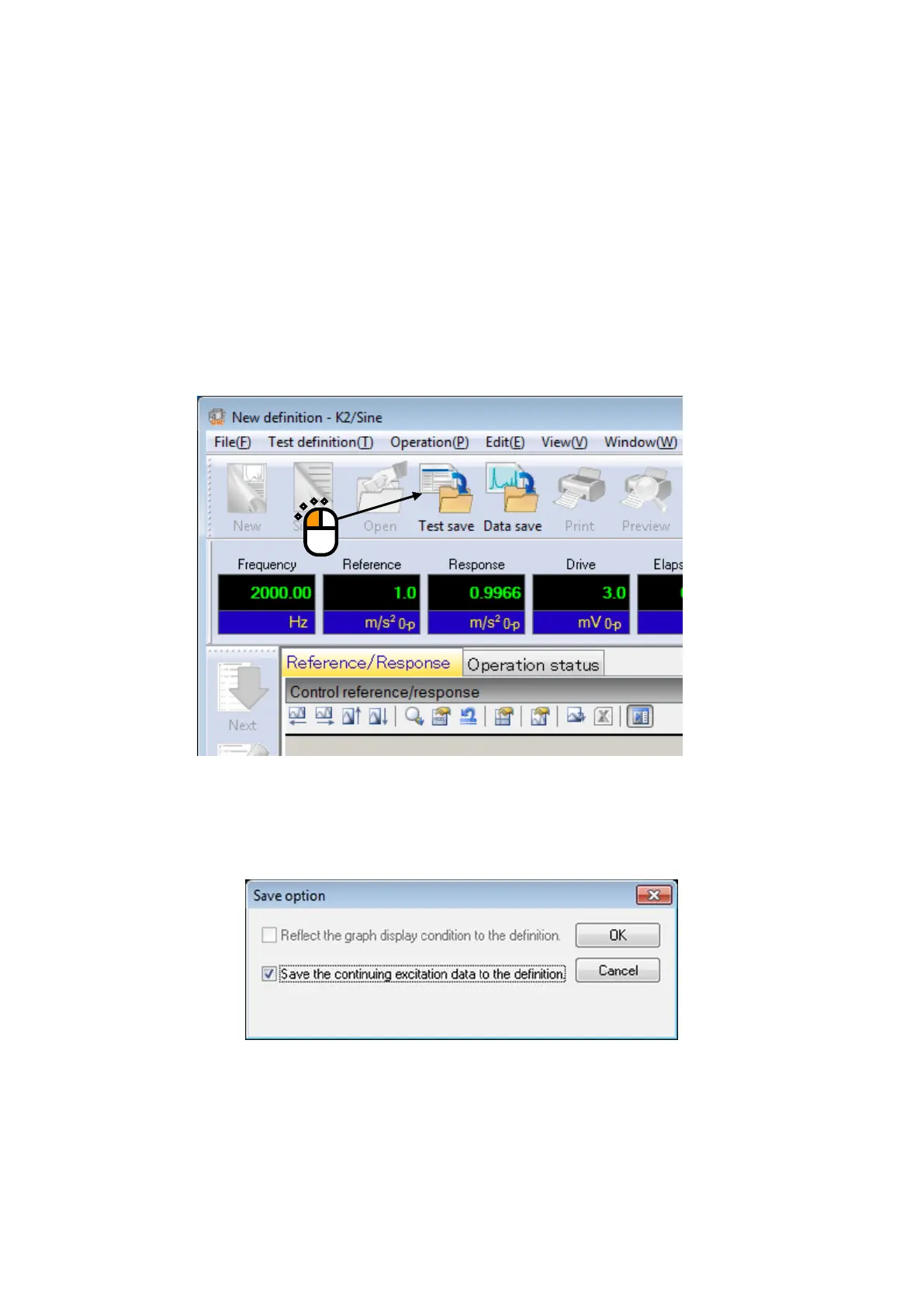
Press the icon of [Save] in the state at excitation completed. A dialog box as below appears if
there is a data to be recorded to a test in the state at excitation completed. Available items in this
dialog vary according to the reason or condition at excitation completed.
Example Display at Excitation Completed
Save option



 To Next Page