7 - 21
7.3.2.2 Finding of Standards
Standards required can be found from the registered standard items by arbitrary keywords.
<Procedures>
<Step 1>
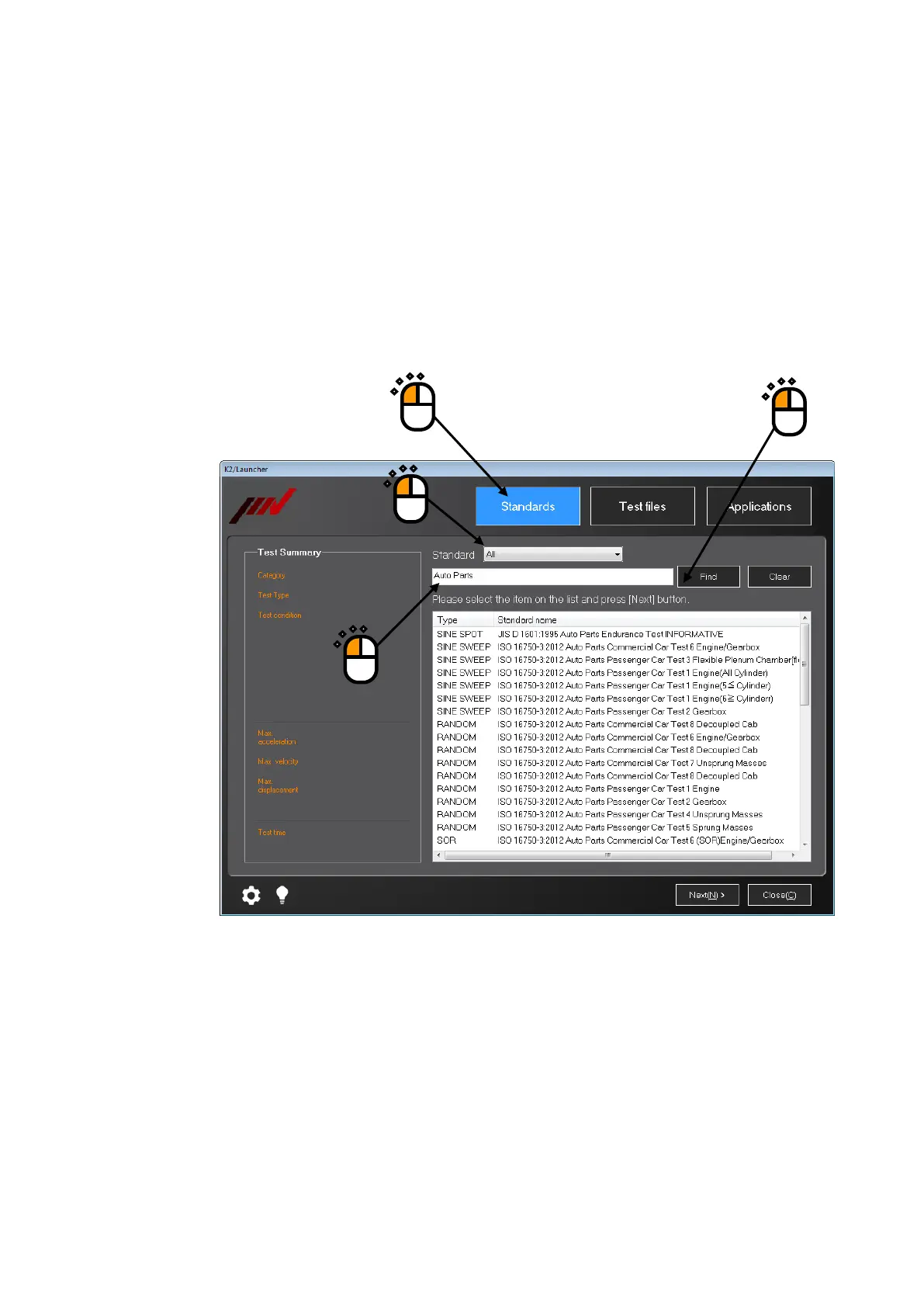
Select ‘Standards’ mode, and select any standard to be found.
In this example, ‘All’ is selected. In this case, all the registered standard items are to be
objects of finding.
Enter keywords into the input area, and press the button of [Find’.
②
④
③
①



 To Next Page