4 - 8
4.2.4 File Operation
File management dialog in K2 application is described as below.
4.2.4.1 File Open
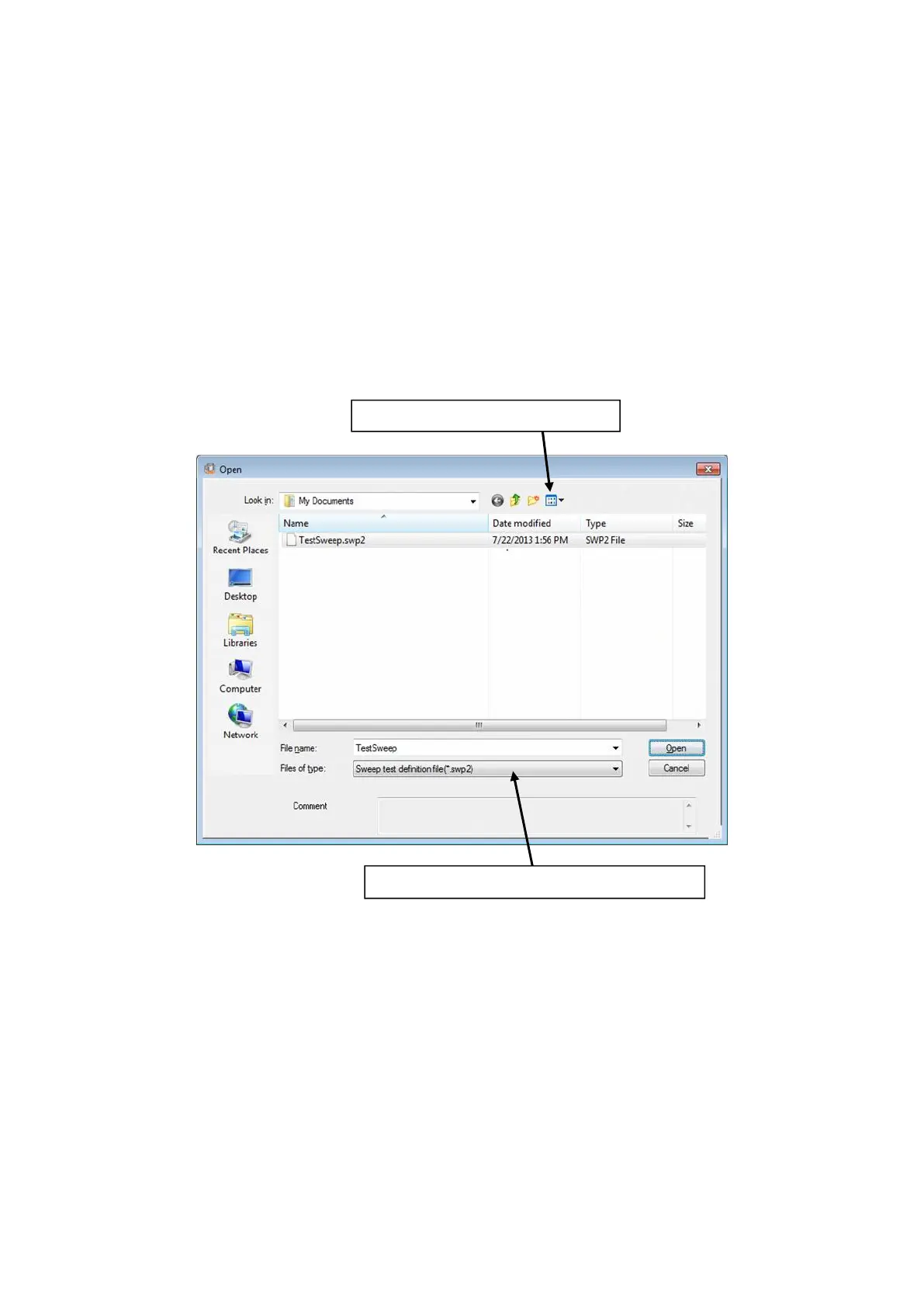
The dialog shown as below appears by the following procedures ;
Select [File] in the menu bar and click [Open],
or click the icon of [Open] in the tool bar.
Select a file type and displayes such a type of files
Select a display type for file discription



 To Next Page