2 - 39
2.5.2 Changing of Input Mode
Three input modes as below are available for input channel of this system.
(1) Charge input
(2) Voltage input
(3) IEPE input
Changing of input is available to operate in each software.
2.5.3 ID Setting for Each Module
IDs exist for each module installed to K2 cabinet.
Type of modules are described as below ;
Input/Output Module K2ST-23-011
Input Module K2ST-23-012
Note that the followings to set up the ID of each module;
・Not to set the modules having the same IDs on a system
・Set less than 200 value to the module ID
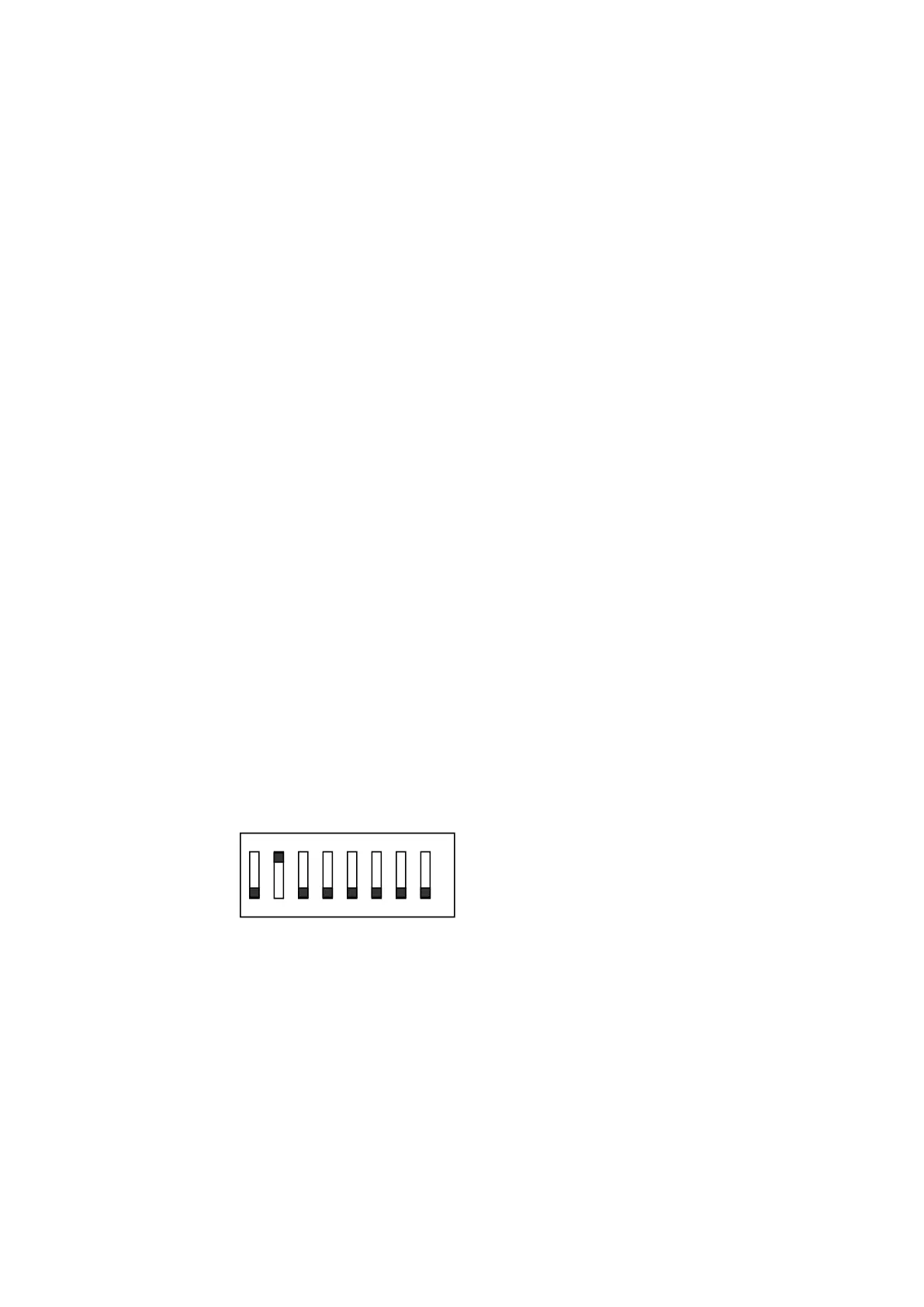
Set the ID using the 8-bit dip switches on the module board.
Be sure to touch a metal or others to discharge static electricity from your body before setting
the ID.
Pull the power cable out of the cabinet and remove the module from the cabinet.
Dip switch ON sets “1”, and OFF, “0”.
For example, the ID setting of the following figure is ‘2’.
1 8
1 2 3 4 5 6 7 8
ON



 To Next Page