4 - 86
<Step 3>
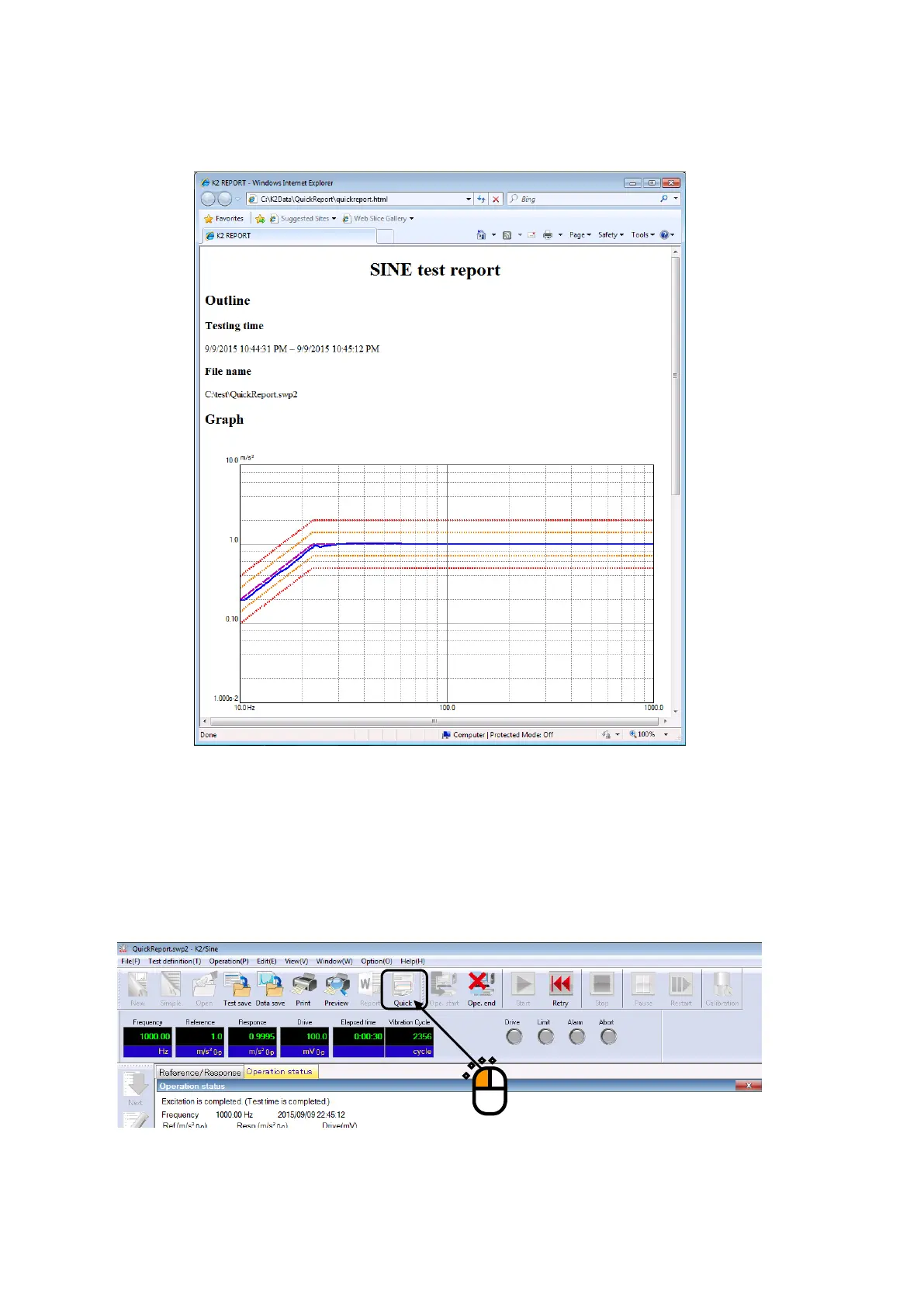
Quick report is generated through the selected display software.
<Procedures (Generation of quick report with button operation)>
When a test is finished, press [Quick] button.
When the [Quick] button is pressed, a quick report is generated through the display software.
Items to be output are the last settings that the quick report is generated by “Quick report
generation” in the menu bar.



 To Next Page