5 - 5
<Step 3>
Correct setting is done here.
Required settings are completed before shipment. If any of settings needs modification, modify it after
confirming our approval.
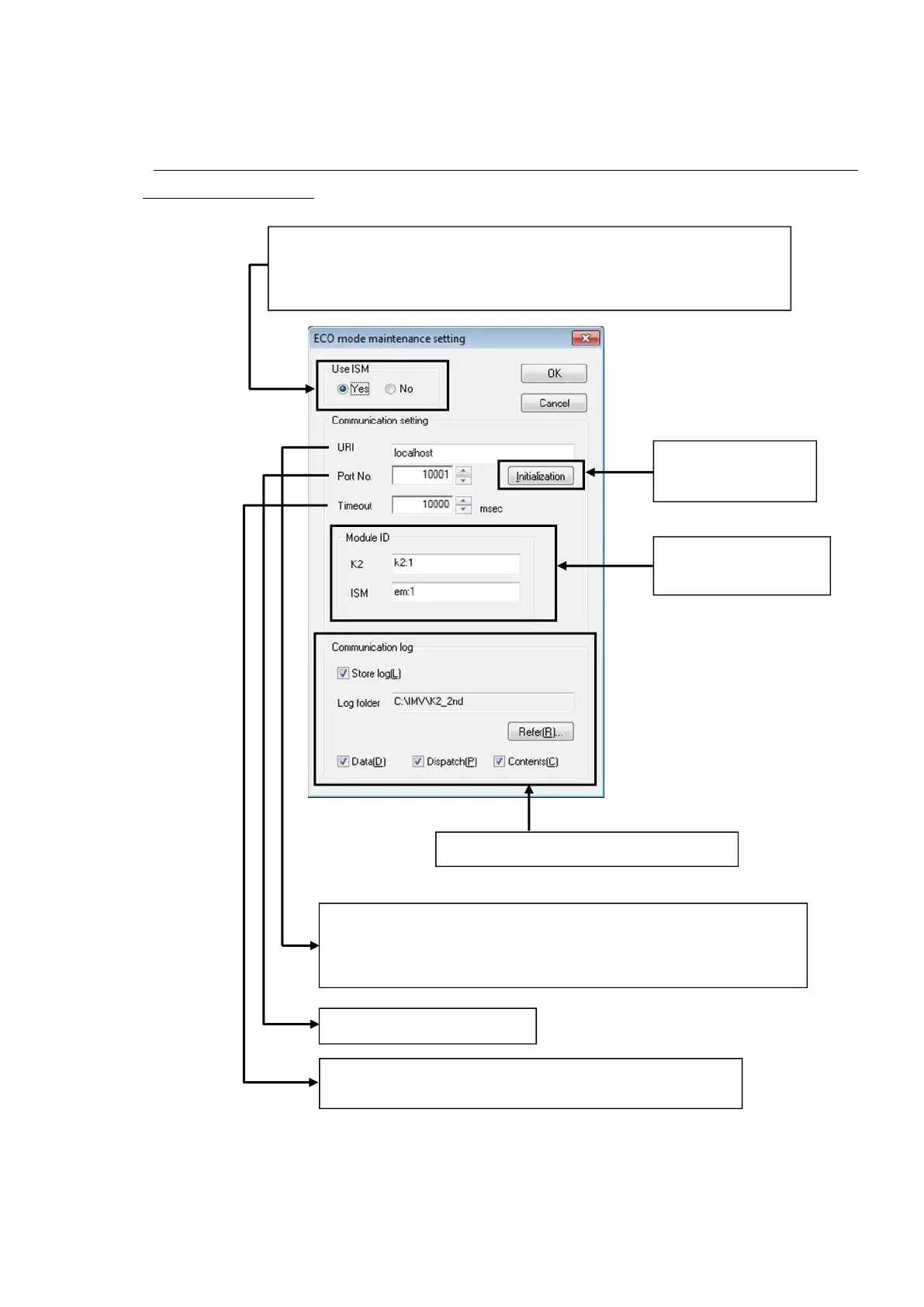
Set the use or nonuse of the energy saving (ECO) system.
If the energy saving (ECO) system installed in the excitation system is not used,
however, it is required not only to select ‘No’ but also to modify the hardware.
Returns the settings to
the default ones.
Set K2 and ISM communication log saving.
Select the K2 and ISM
Select the name (or address) of the computer installed with the program of
the party communicating with the K2. Normally the program of the party
to communicate with is installed in the same computer as that for the K2.
Select a communication port.
Set the period of time in which communication interruption is
evaluated as an error.



 To Next Page