4 - 67
<Step 2>
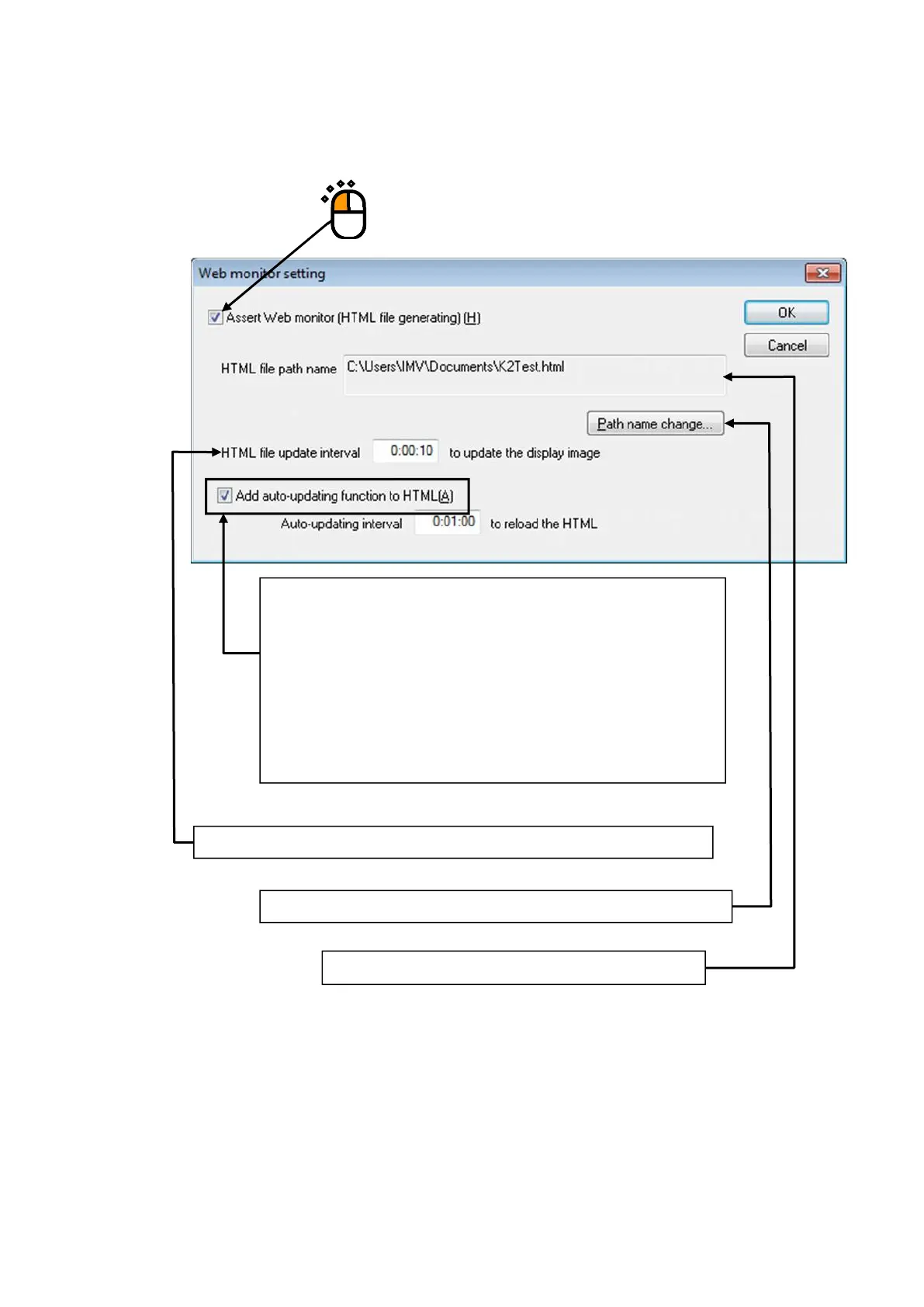
Check the check box of [Assert Web monitor] to be activated. And, set the necessary items.
Please ask to the administrator of Net Work about the setting if it is necessary.
The HTML file name specified in this item is displayed.
When the display of a browser is needed to be renewed periodically
and automatically on the PC for monitoring, check the check box of
‘Add the auto-updating function to HTML’ and specify the value of
‘Auto- updating interval’.
When ‘Add the auto-updating function to HTML’ is not checked to be
activated, the monitoring condition that displayed in the PC browser is
not renewed. The displayed contents cannot be changed as long as it is
changed by manual.
This item is for specifying the interval of each HTML file generated by the K2.
This item is for specifying the name of HTML file generated by the K2.



 To Next Page