4 - 72
<Step4>
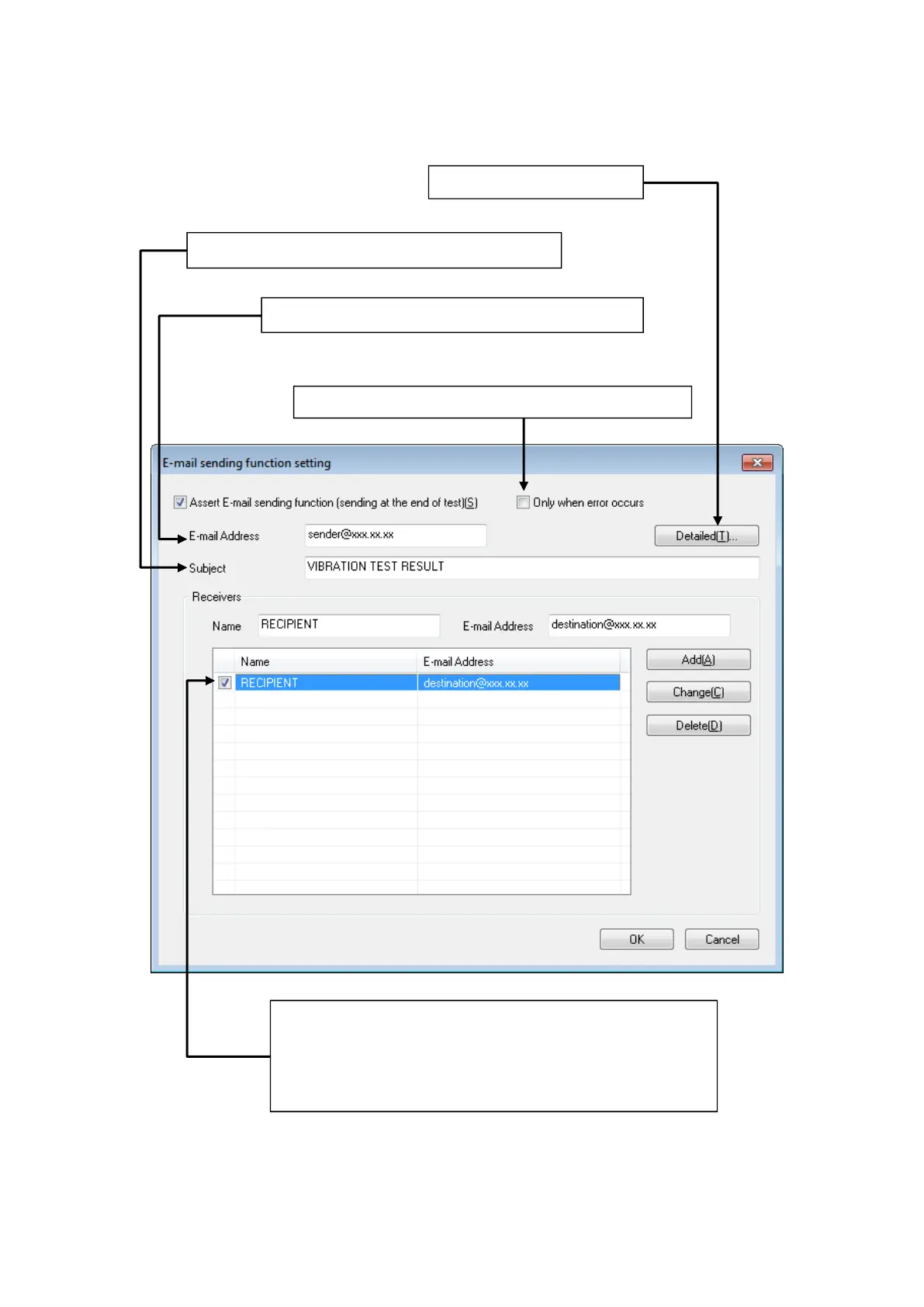
Set the mail sending information.
This item is for specifying the title of E-Mail to be sent.
Set the outgoing mail server.
This item is for specifying the mail address of the sender.
Specify an E-Mail address to send the E-Mail.
E-Mail is sent to the addresses registered in this list from the K2.
However, note that E-Mail may not be sent to any addresses when
there is a mistake among these registered addresses.
Select to send mail only when test is finished in error status.



 To Next Page