4 - 82
<Procedure(to Report)>
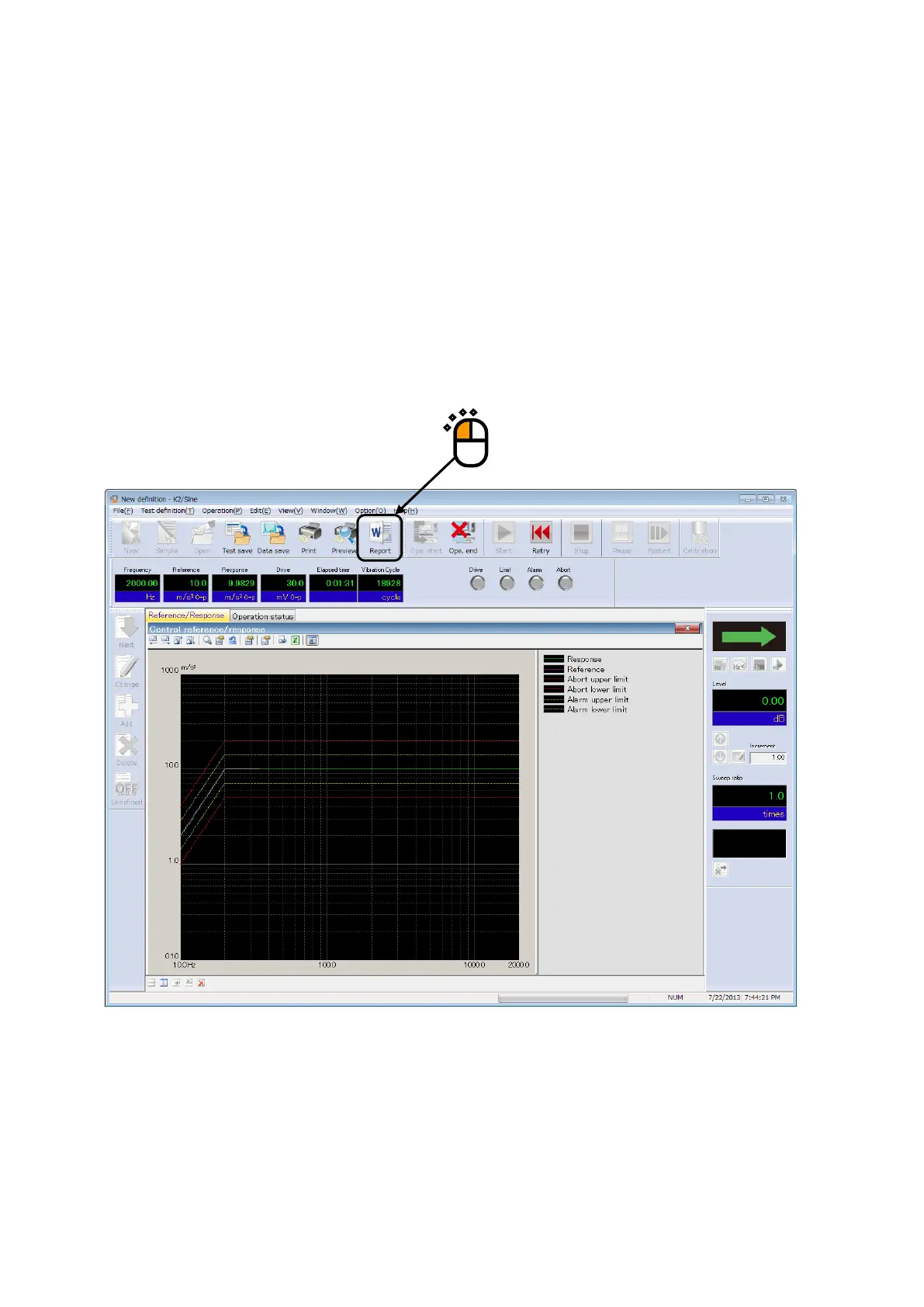
Press the [Report generation] button in the state of Test completed.
When the [Report generation] button is pressed, a WORD file according to the setting of Report
Generator is generated automatically.
The graphs displayed at pressing the [Report generation] button are treated as the objective for
‘Graph’ of Output Items.
The description in the next page is an example of the report of testing result generated by Report
Generator.



 To Next Page