6 - 6
<Step 3>
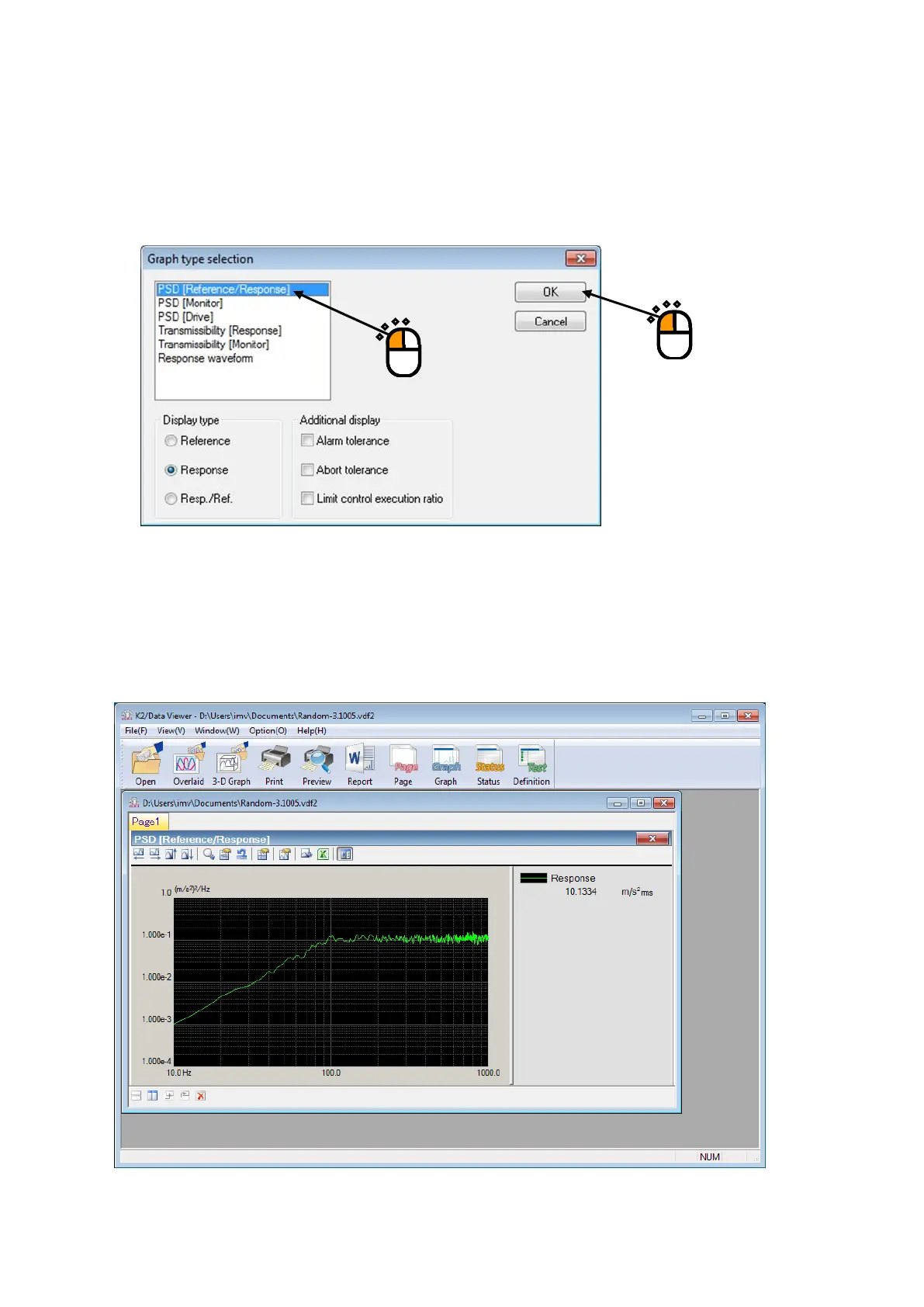
Graph type selection dialog is displayed corresponding to each application software.
Select the graph to be displayed.
As for the graph type applicable to 3D graph, “Waterfall graph” or “Color map” can be selected. For
details, refer to “4.3.2.1 Selecting of 3D graph”.
<Step 4>
A graph window is added and the selected graph is displayed.
Graphs can be operated in the same way as graphs on the application software.
①
②



 To Next Page