6 - 10
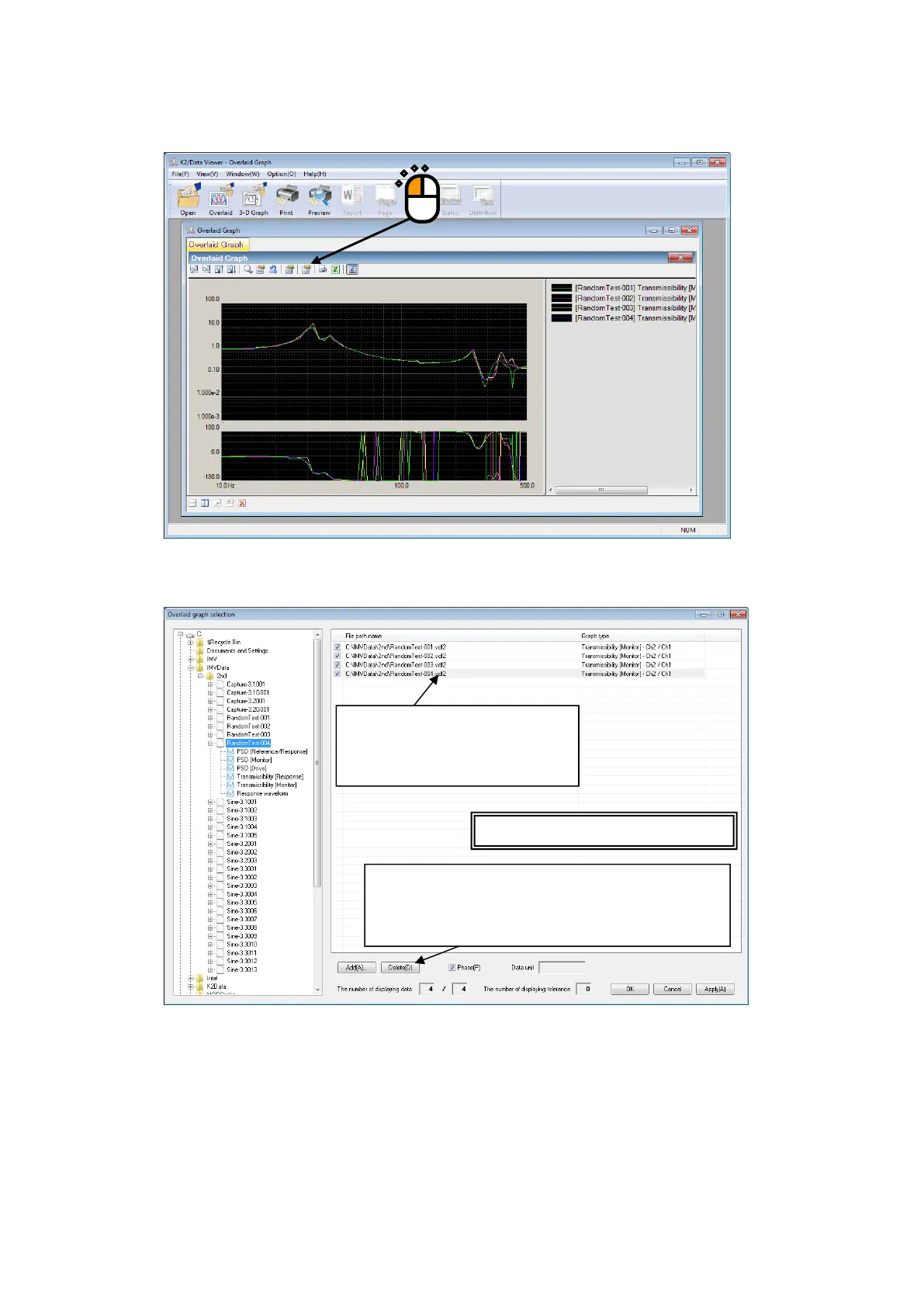
<To change the graph>
Press the [Change] button.
Overlaid graph selection dialog is displayed. Graphs can be added or deleted in this dialog.
Supplementary Note)
[1] If the check box of a graph is unchecked, the graph is removed from the group of the
graphs to be overlaid.
[2] Select a graph and press the [Delete] button so that the graph is deleted from the list in the
field and removed from the group of the graphs to be overlaid.
[3] To display the different type of graphs, delete all graphs which are set up and then add new
graphs.
The field to list graphs to be overlaid.
Uncheck the check box of a graph
data file to remove the file from the
group of the files to be overlaid.
Press the [Delete] button to delete the graph from the list
in this field and remove the graph from the group of the



 To Next Page