7 - 4
<Step 2>
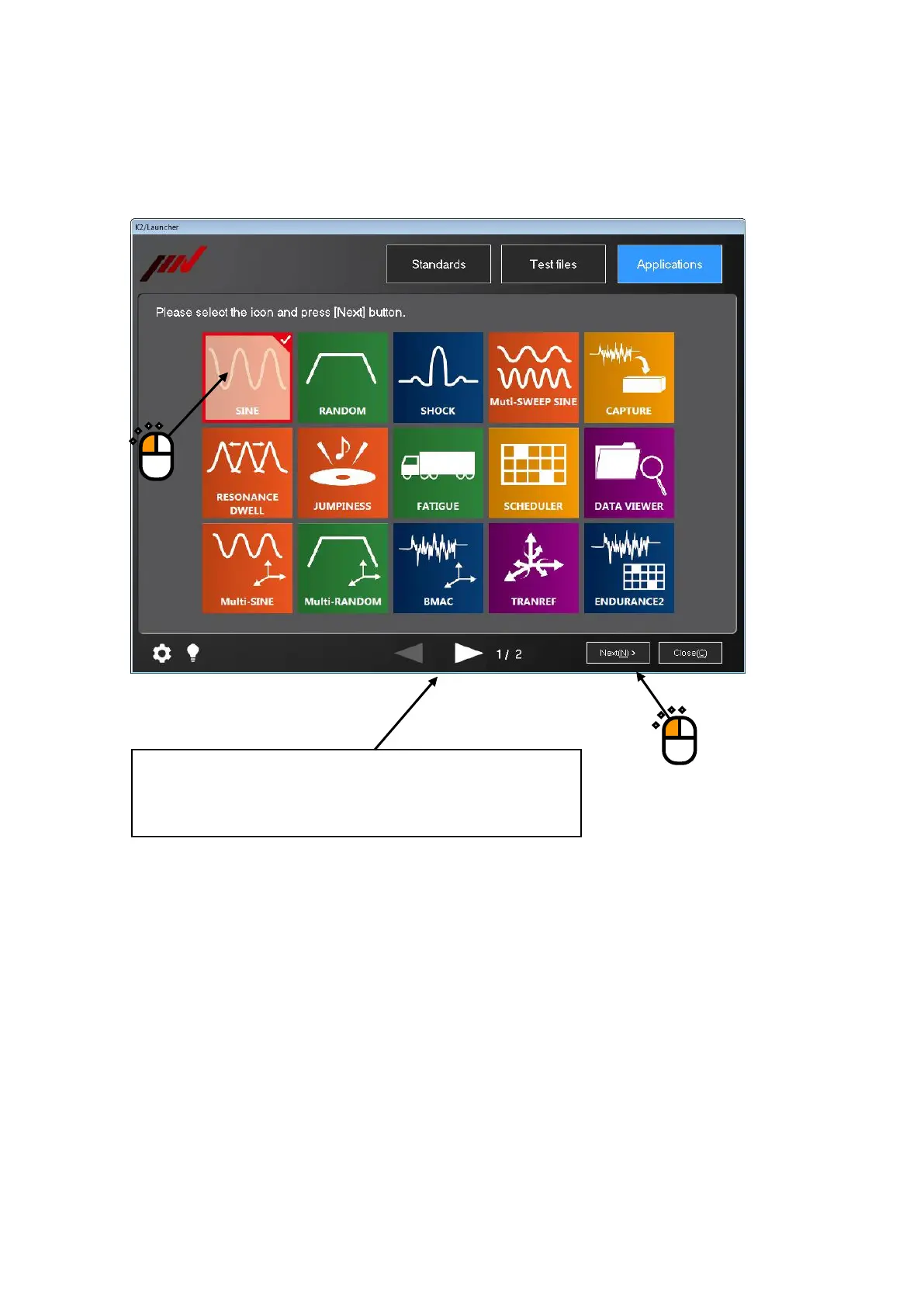
The list showing the icons of applications installed is displayed.
Select the icon of application to be started up, and press the button of [Next].
①
②
When number of the installed K2 application is more than twelve,
the remaining icons can be displayed by pressing the botton of
arrow in the lower part of screen.



 To Next Page