7 - 8
<Step 3>
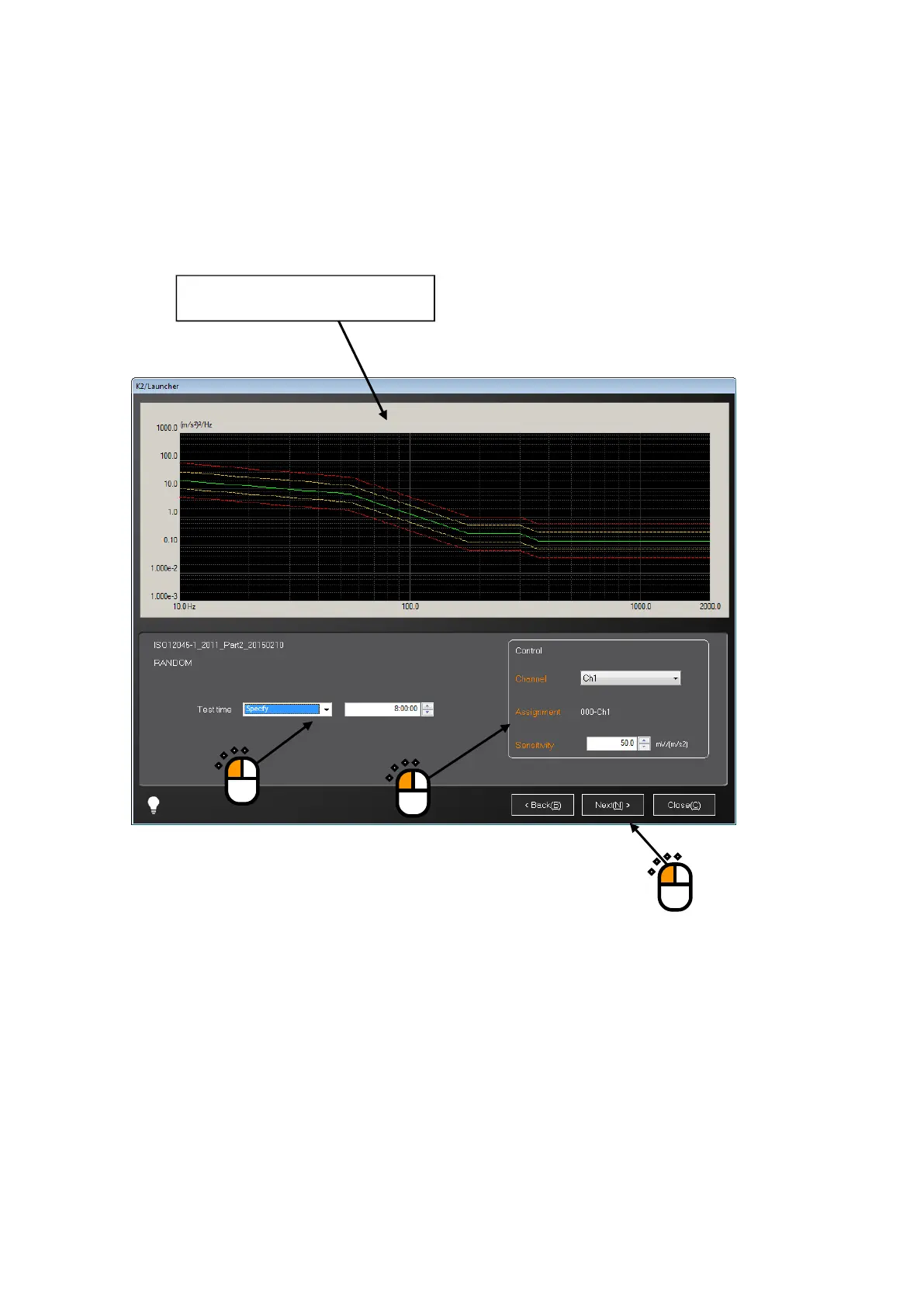
Test reference check screen appears. This screen depends on the test types.
This example shows the test type of RANDOM.
Items related to the test time and those related to the control channel can be changed here.
Change them if required, and press the button of [Next].
①
②
③
The test reference graph is displayed.



 To Next Page