7 - 17
<Step 2>
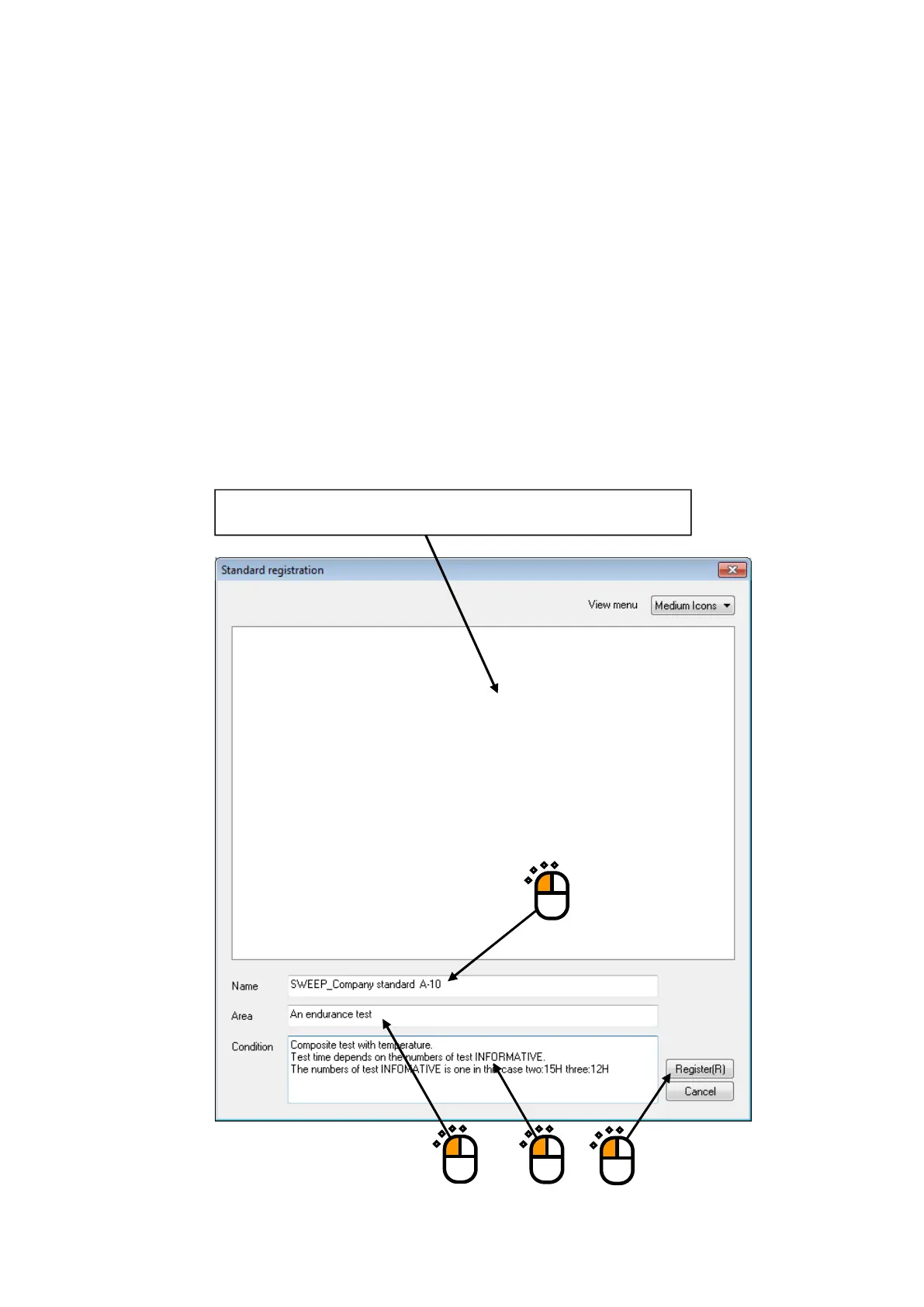
Input standard name, field, and test conditions, and press the button of [Register].
If the same standard name is found, the message noticing the overwriting registration
appears.
Note) • Even if test files registered as standards are changed after registration, the change
will not be reflected to the standards.
• In the test conditions registered as standards, information to be added after text is
executed (continuous operation data, transfer function data, drive data, etc.) is
deleted.
• If test files executing average value control and limit control are registered as
standards, those information will not be taken over.
①
②
Any standard items registered already are displayed in the display area.
③
④



 To Next Page