7 - 32
<Step 2>
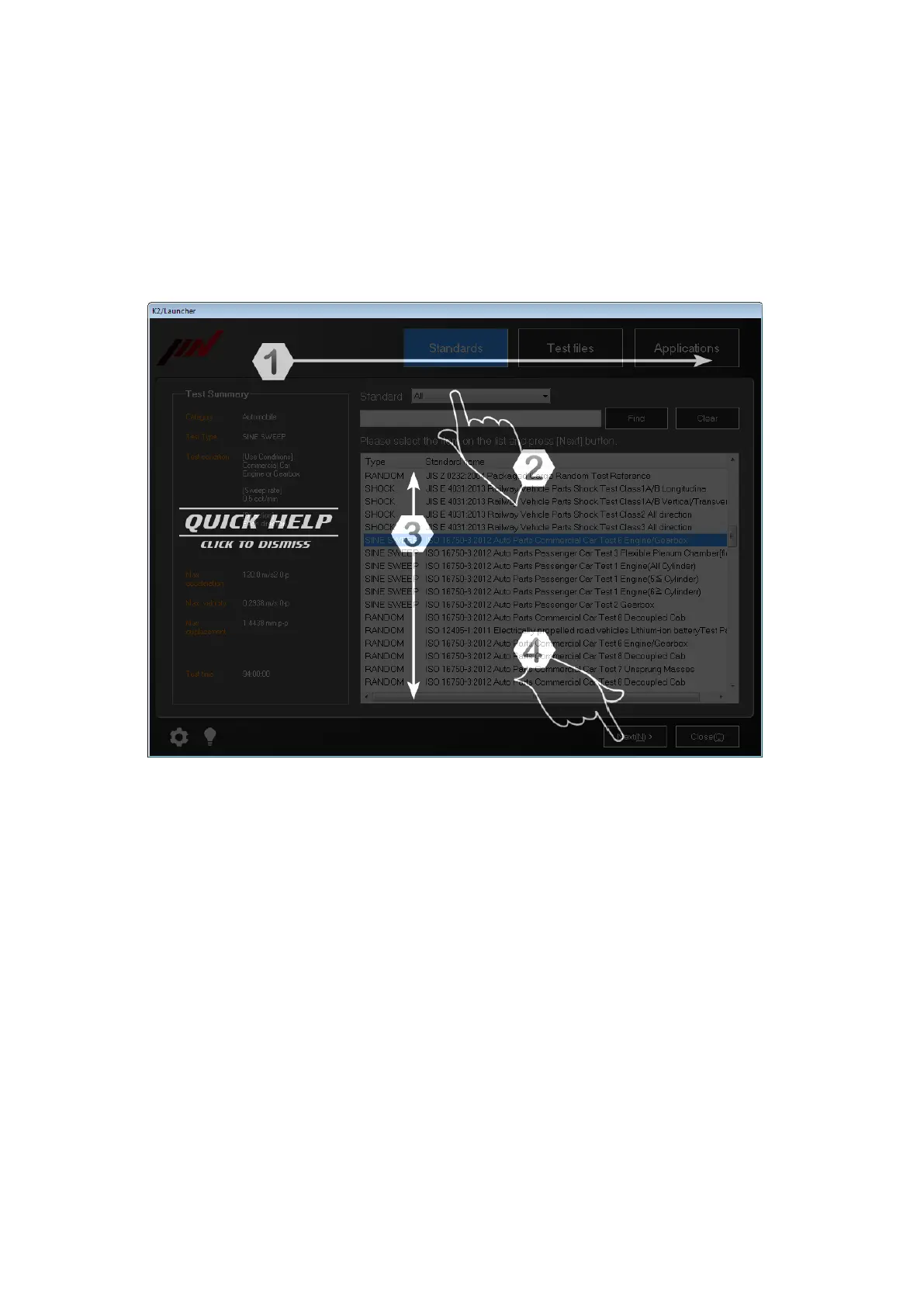
Quick Help appropriate for the screen appears.
In this example, the Quick Help means as shown below.
First, select mode.
Second, select standard.
Third, select list.
Fourth, press the button of [Next].
When any area is clicked on the screen, the Quick Help disappear.
Supplementation) If the operation setting is set to ‘Display Guide’, the Quick Help is displayed
automatically whenever the screen is changed.



 To Next Page