8 - 5
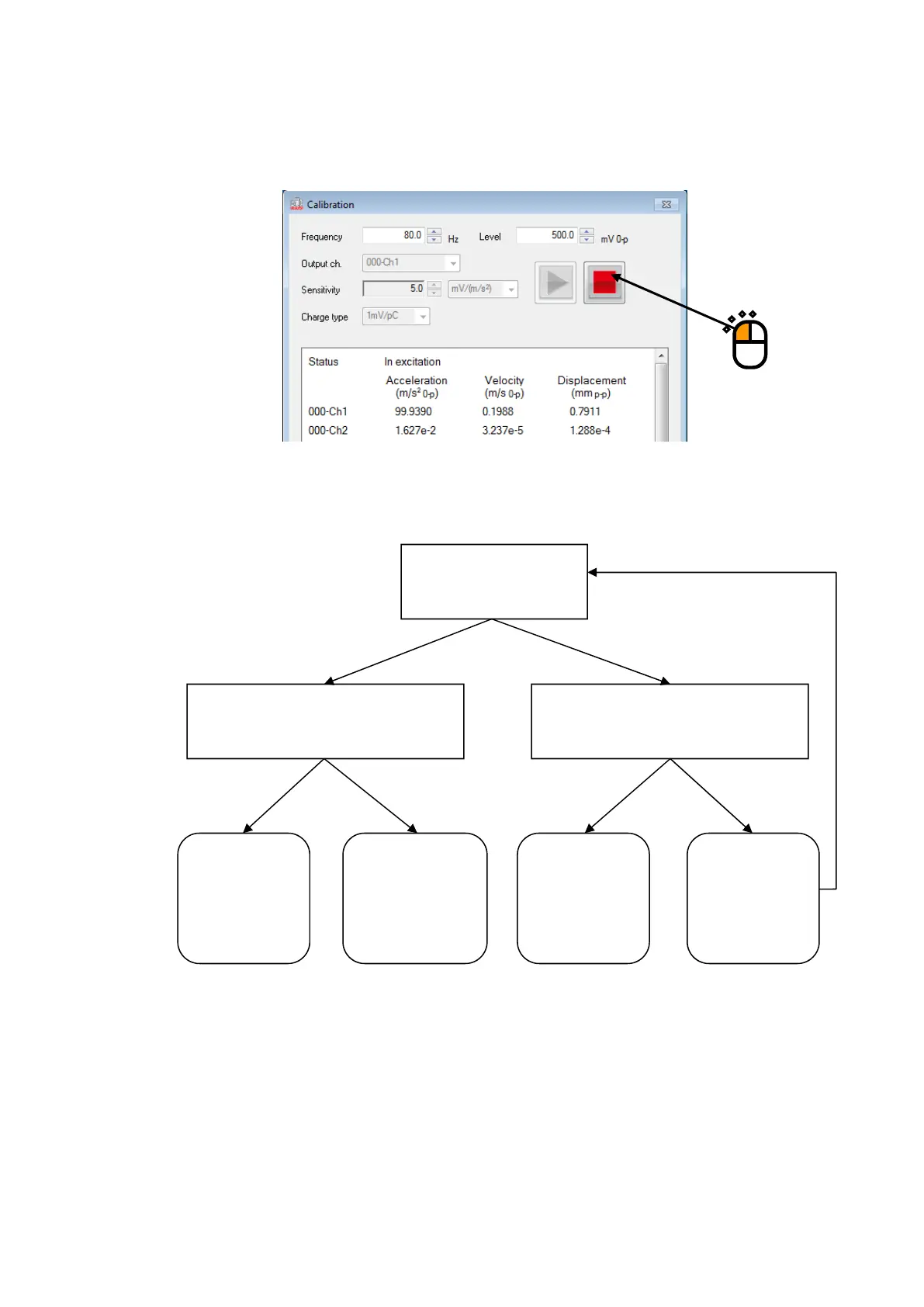
<Step 3>
The measured data is displayed on status panel.
To stop operation, press stop button.
In this example, the ordinal diagnosis process is as follows.
Shake is moving?
The measured data (displacement) is
almost same as actual shaker
moving?
Amplifier is ON?
Gain of amplifier is set to 100%?
NORMAL
Sensor
abnormality,
cable
disconnection,
Stop
operation, set
amplifier
correctly and
Excitation
system
abnormality
YES
YES YES
NO
NONO



 To Next Page