10 - 6
10.3.2 SecuritySetting
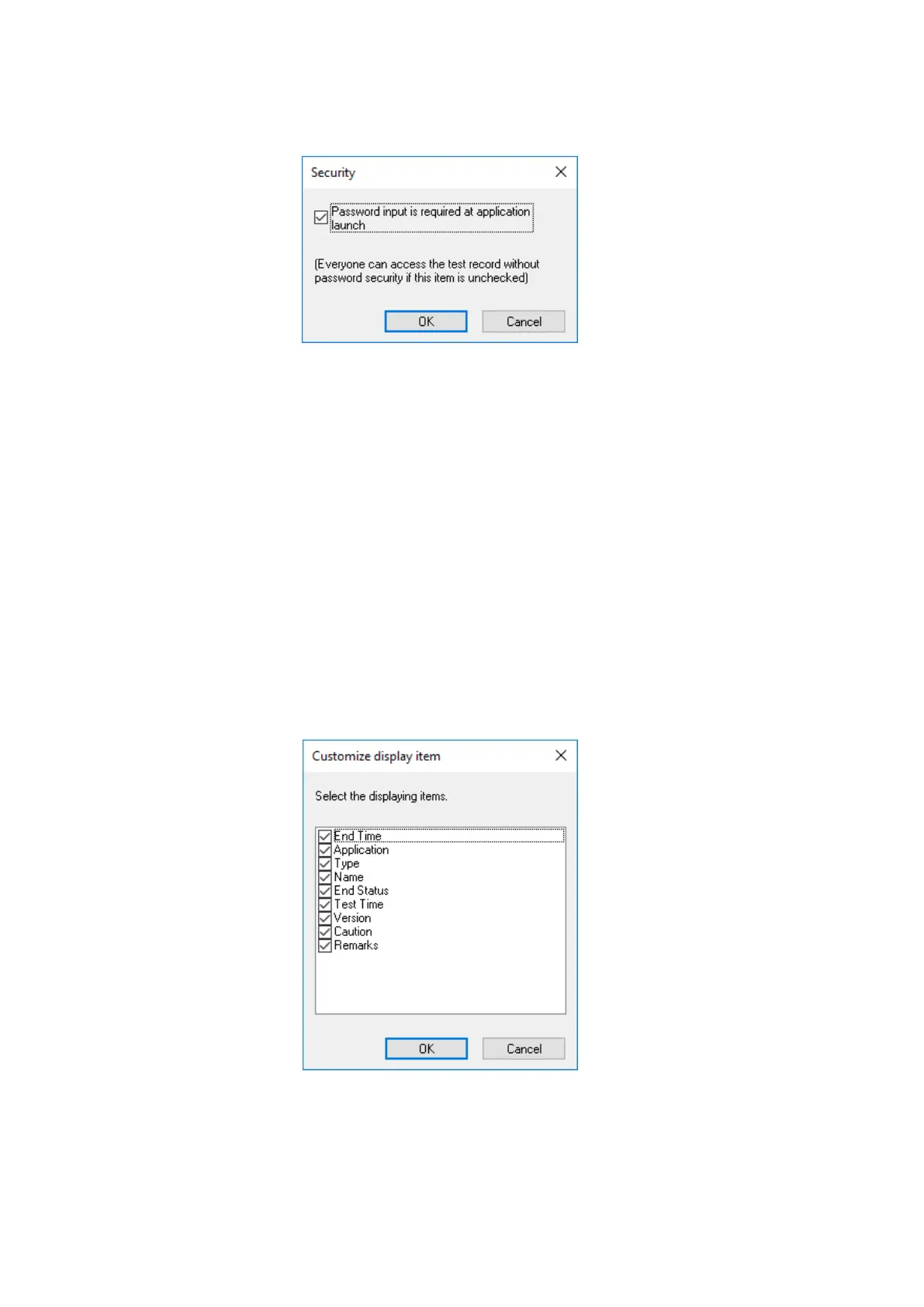
Whether input password is checked or not at startup of the Test Record Viewer can be set.
• To check input password at startup of Test Record Viewer
Tick the checkbox of “Password input is required at application launch”.
In the default setting, “Password input is performed”.
• When password check is not required at startup of Test Record Viewer
Untick the checkbox of “Password input is required at application launch”.
When the checkbox is unticked, the password input screen appears. When the input
password is correct, Test Record Viewer can be started up without password input from
the next time.
Note that all operators can view the test history in this case.
10.3.3 Selection of Column
Select any item to be displayed in the test history.



 To Next Page