2 - 11
<Step 3>
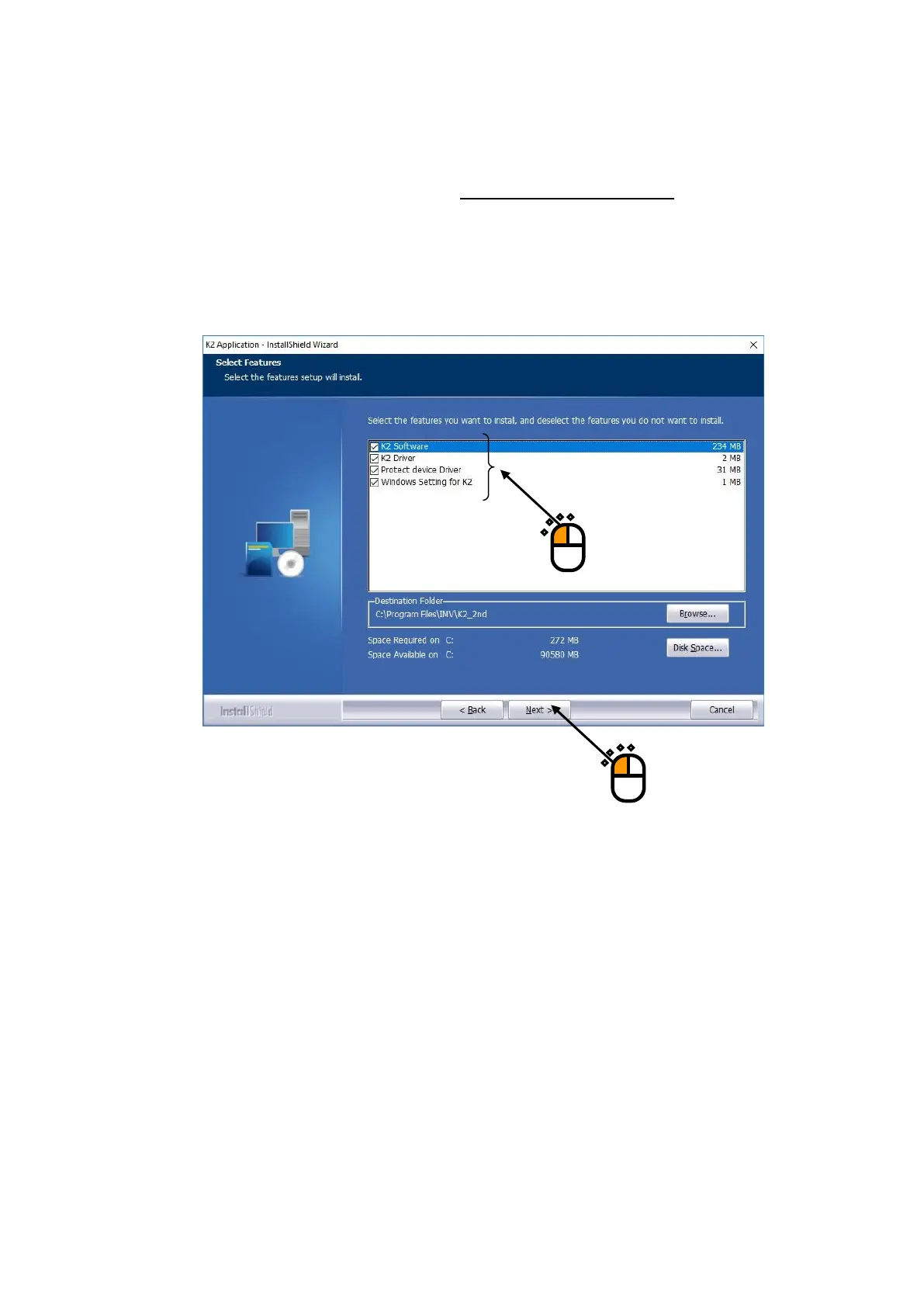
The screen of setting the installation conditions appears.
After finishing the required setting, press the button of [Next].
Items shown in the list are as follows. Select all the items, normally.
・K2 Software: The K2 application can be installed.
・K2 Driver: The K2 interface board device driver can be installed.
・Protect device Driver: The device driver of protect device is installed.
・Windows Setting for K2: Setting of the PC (section 2.1.5) is executed for using the K2.
②
①



 To Next Page