2 - 15
<Step 7>
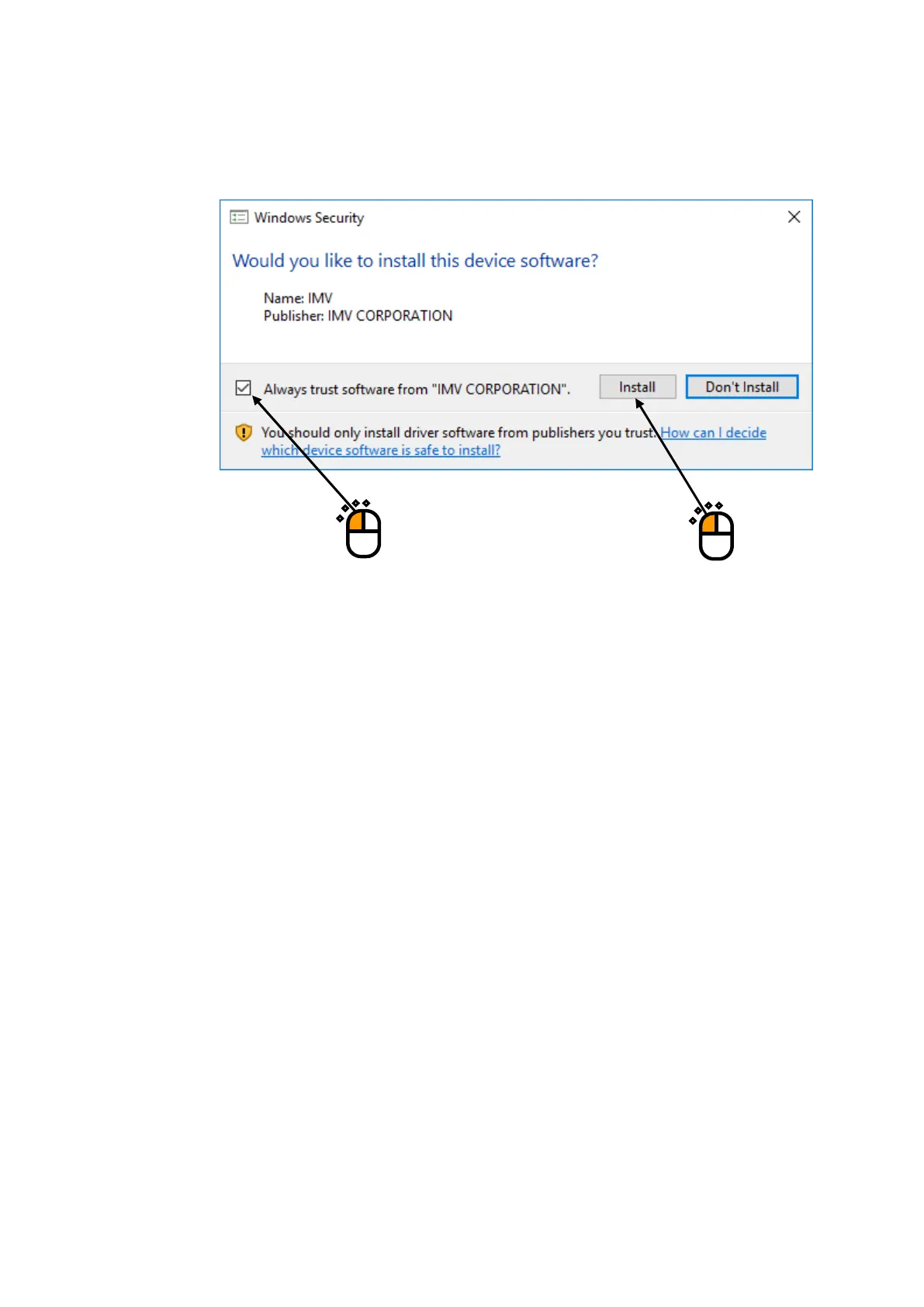
If the screen of confirming the device driver installation
*
appears, check the box for ‘Always
trust software “IMV CORPORATION”.’, and press the button of [Install].
*) Unless the box of ‘Always trust software “IMV CORPORATION”.’ is checked, the screen
confirming installation appears for three times.
If the box of ‘Always trust software “IMV CORPORATION”.’ is checked before installation,
the screen confirming installation will not appears when the device driver is installed at the
next time.
②
①



 To Next Page