2 - 19
<Step 12>
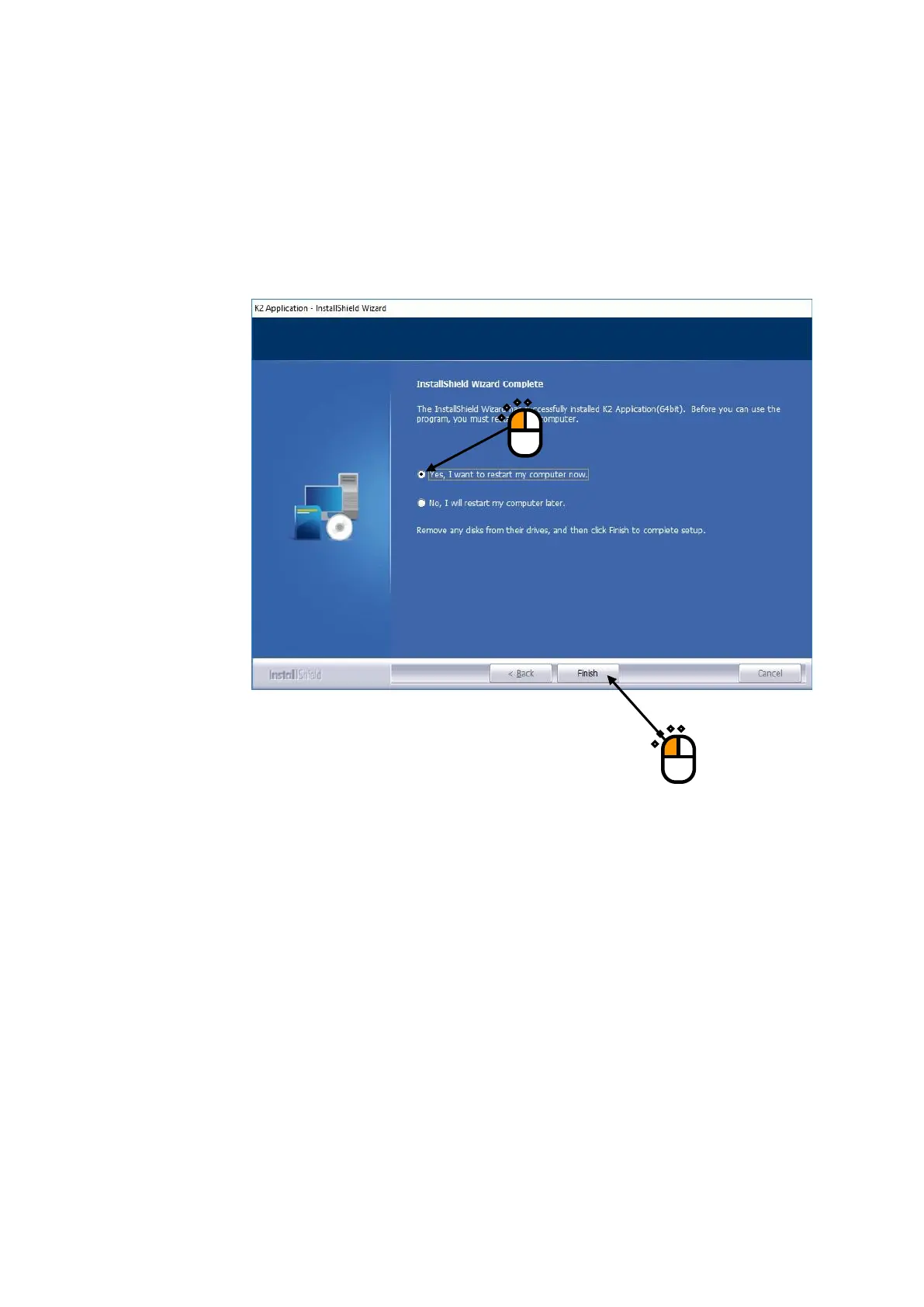
After the PC setting process is finished, the screen noticing the completion of installation
appears.
Select the message of ‘Yes, I want to restart my computer now’, and press the button of
[Finish].
Then, the PC is restarted.
After the PC completed its restart, installation of the application is completed.
If the protect device is inserted into the PC, the protect device becomes valid.
If the installation of the K2 interface board has been completed, the device driver is
automatically recognized during restarting.
②
①



 To Next Page