2 - 24
<Step 5>
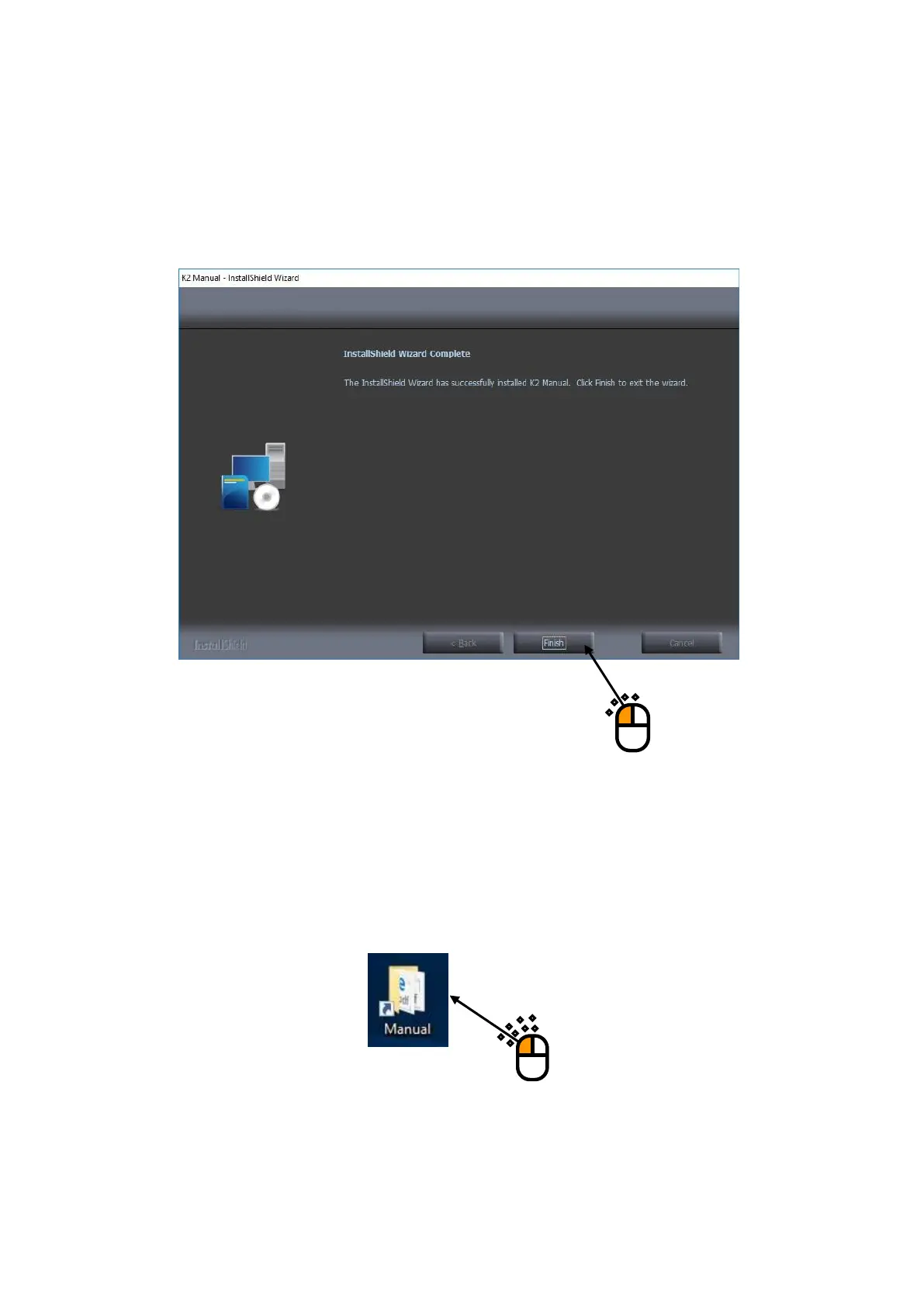
When installation is complete, the screen of noticing the completion of installation appears.
Press the button of [Finish]
Then, installation of the manual is complete.
When the installation is completed, the folder of ‘Manual’ appears on the Desk top screen.
Double-click the fonder of ‘Manual’ to show the list of PDF manuals installed.



 To Next Page