Affinity
2.0
Additional Information Page 145
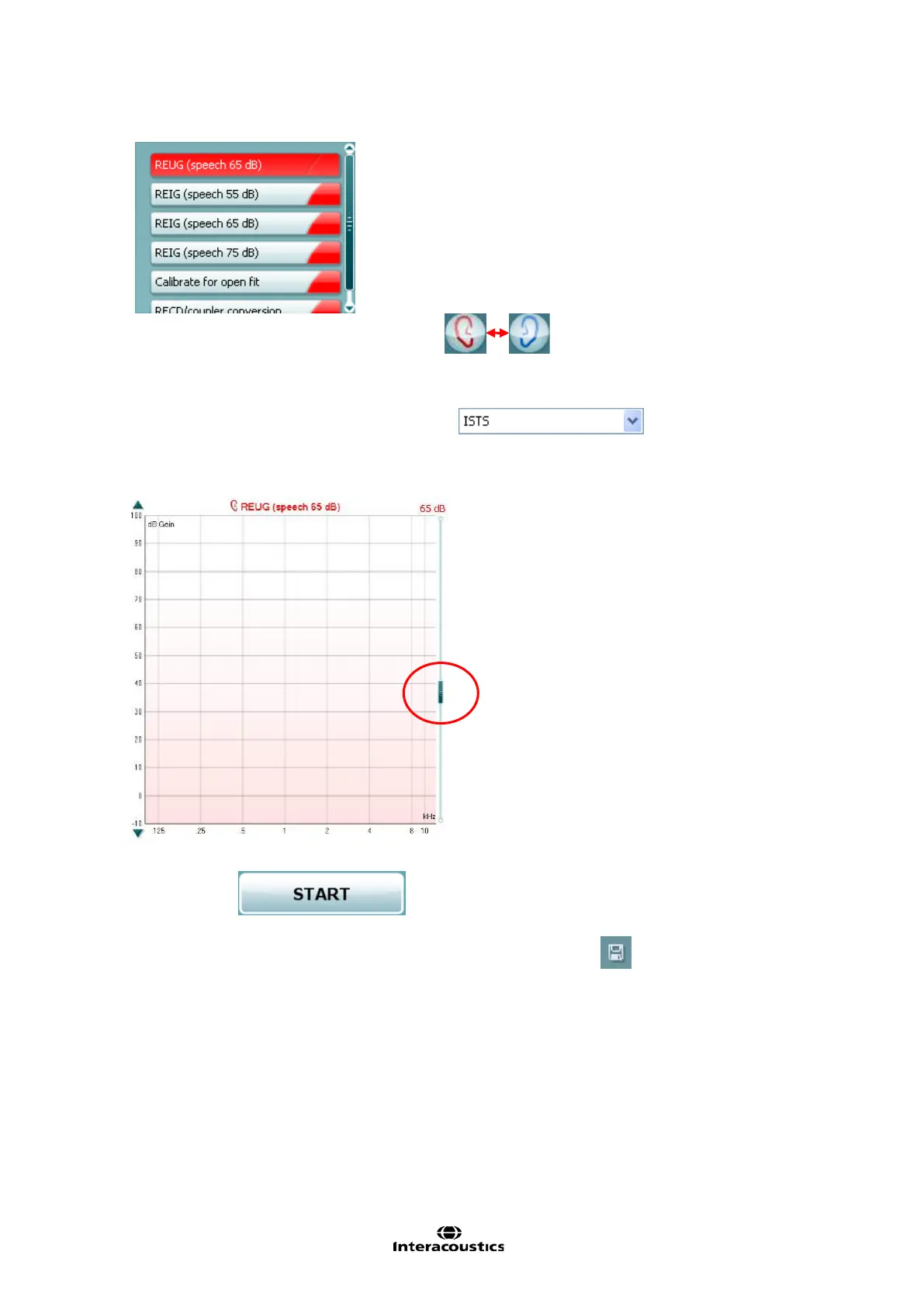
Choose the Test Ear in the upper left corner Choose the test you wish to perform by
clicking on it in the protocol list:
8) Select Stimulus in the stimulus dropdown list
9) If needed adjust the Input Level using the slider to the right:
Click START
to perform real-ear measures.
10) Save the measurements of your session by clicking the Save icon














 To Next Page