Affinity
2.0
Additional Information Page 292
3.8 Working with Individual Setups (Test Protocols)
The HIT440 module is pre-programmed with standard test protocols (IEC and ANSI) ready for use which can
be selected from the front screen. However, you may wish to create an individual test protocol
accommodating for personal preferences and test methods.
This section describes both how to select a pre-programmed test protocol and how to create an individual
test protocol.
3.8.1 Selecting a (standard) test protocol:
1. Open the Affinity Suite from Noah, OtoAccess™, or stand-alone.
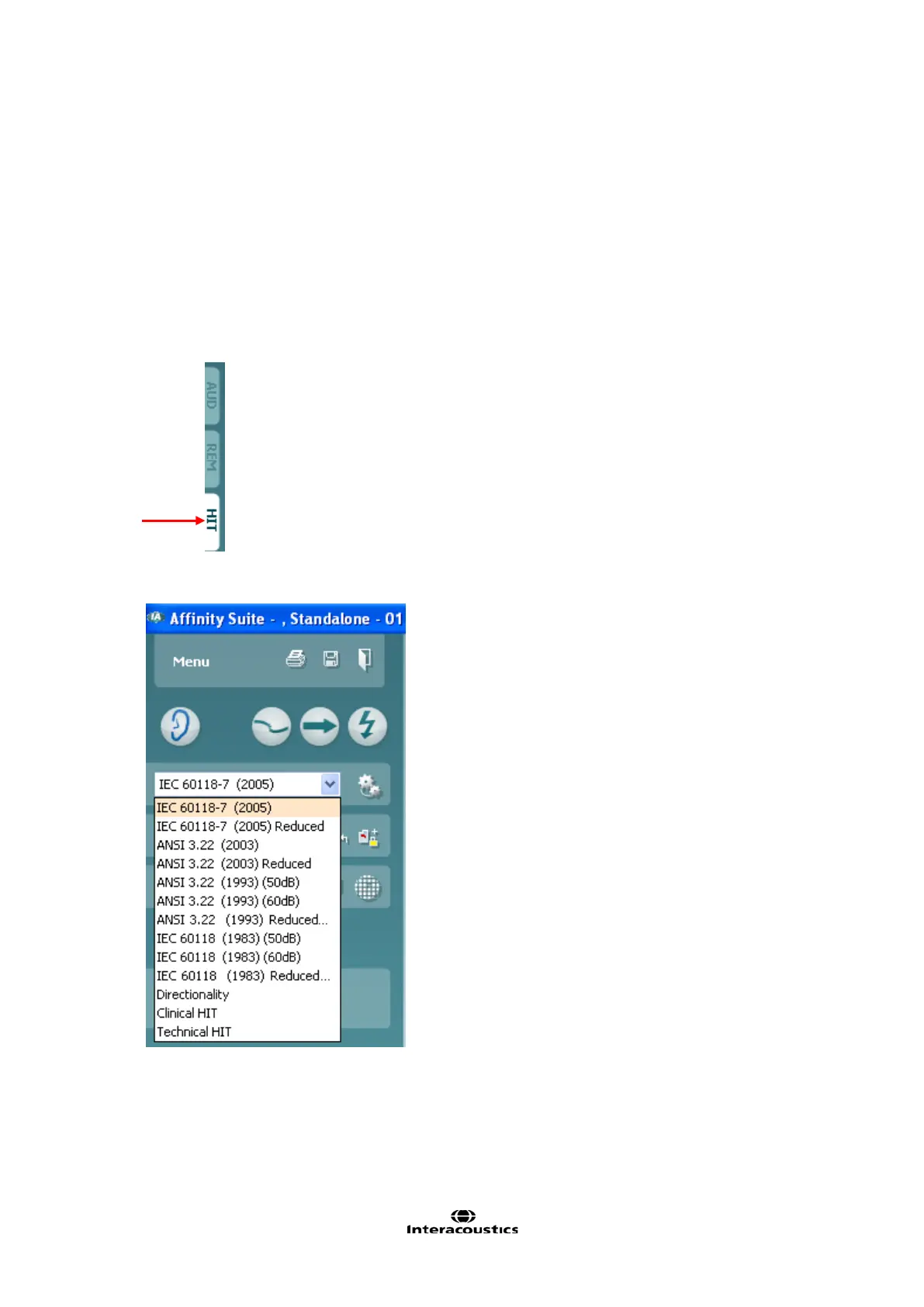
2. Go to the HIT440 by clicking the HIT tab.
3. In the List of Protocols all customized and standard test protocols are listed.














 To Next Page