Affinity
2.0
Additional Information Page 195
8) Ensure that the correct Ear is selected
9) Choose the preferred Stimulus in the corresponding dropdown list
10) Select input level using the Input level slider
11) Click START and the REOG/REOR will be performed.
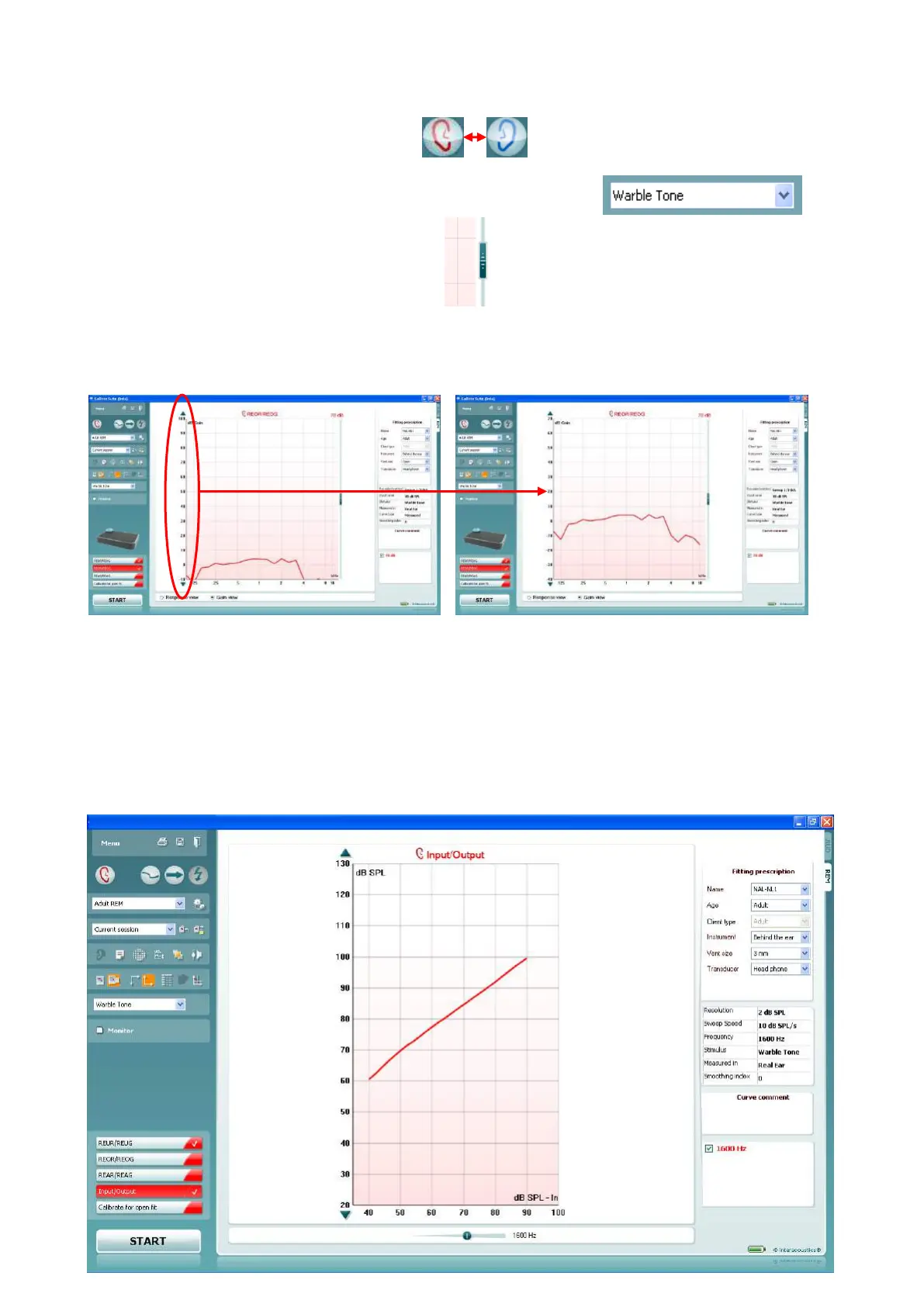
Note: If the curve falls below the graph area use the arrow buttons in the left side of the screen to adjust the
graph as illustrated below:
2.7.6 Measuring Input/Output
Input/Output: The Input/Output curve displays the output of the hearing aid as a function of the input for one
frequency (or broadband signal).
The Input/Output function provides information about the compression characteristics of the hearing aid such
as expansion
40
, knee-point, and compression limiting (Dillon 2001).
Test procedure:
40
Expansion is w hen the hearing aid gain decreases with decreases in input (Dillon 2001).














 To Next Page