Affinity
2.0
Additional Information Page 172
2.6.10 Preconditioning and Sweep Delay
Preconditioning and sweep delay can be set for each test in the REM440 settings (see section 2.6.2)
2.6.10.1 Preconditioning
Preconditioning is relevant when using broadband signals for example ISTS/ICRA. It consists of a wideband
signal followed by a pure tone just before the selected stimulus is presented.
The precondition function allows you to set a certain time before the curve is shown on screen. This will
allow the hearing aid algorithms to have time to switch on and stabilise. This has two effects – first of all you
will avoid the hearing aid being in the process of changing characteristics during the test, and secondly, the
hearing aid will in this case be brought into the mode corresponding to the non-linear stimulus.
2.6.10.2 Sweep Delay
The sweep delay is the time before the next sweep will start when running a continuous measurement using
Pure Tone or Warble Tone. Modern hearing aids often have advanced algorithms that require a certain
reaction time. It is therefore helpful to be able to set individual delays.
2.6.11 Smoothing a Curve
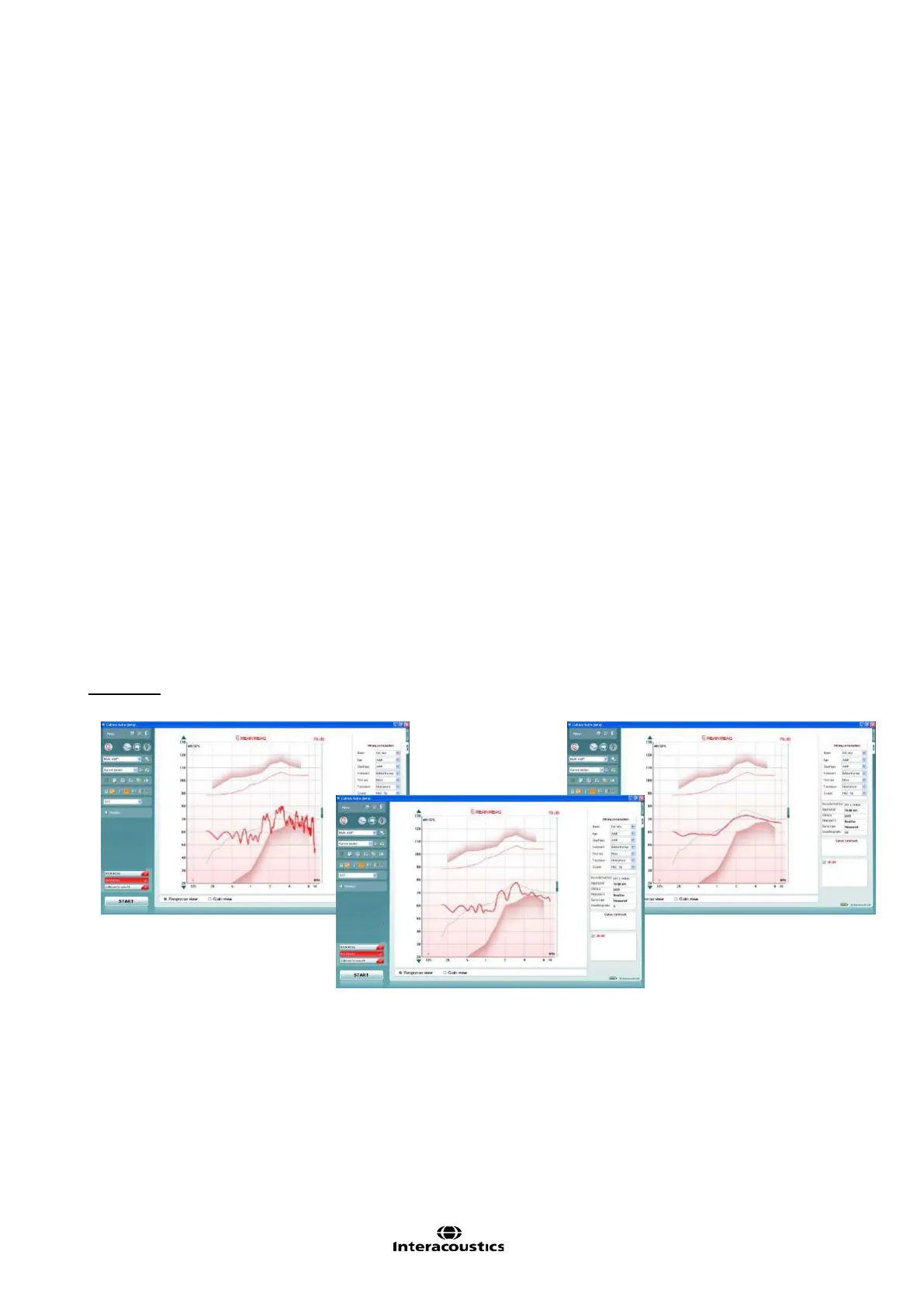
Smoothing is a technique where small details in the curve appear to be ironed out. As these details
sometimes have a noisy character, smoothing may be preferred. The individual tests can be designed to
have more or less smoothing applied in the REM440 setup (described for each test in section 2.6).
Smoothing can also be applied after measuring in two ways:
Shift + up/down arrow keys on the PC keyboard
Shift + the scrolling wheel on the mouse
Examples:














 To Next Page