Affinity
2.0
Additional Information Page 213
2.6.2 Creating new Test Protocols
The following sections describe how to setup your own protocol in the REM440 setup. All setup options for
all tests will be described even though you most likely will only need a few. This section is therefore to be
seen as a work of reference where single functions can be looked up rather than a step-by-step guide where
all steps need to be explored.
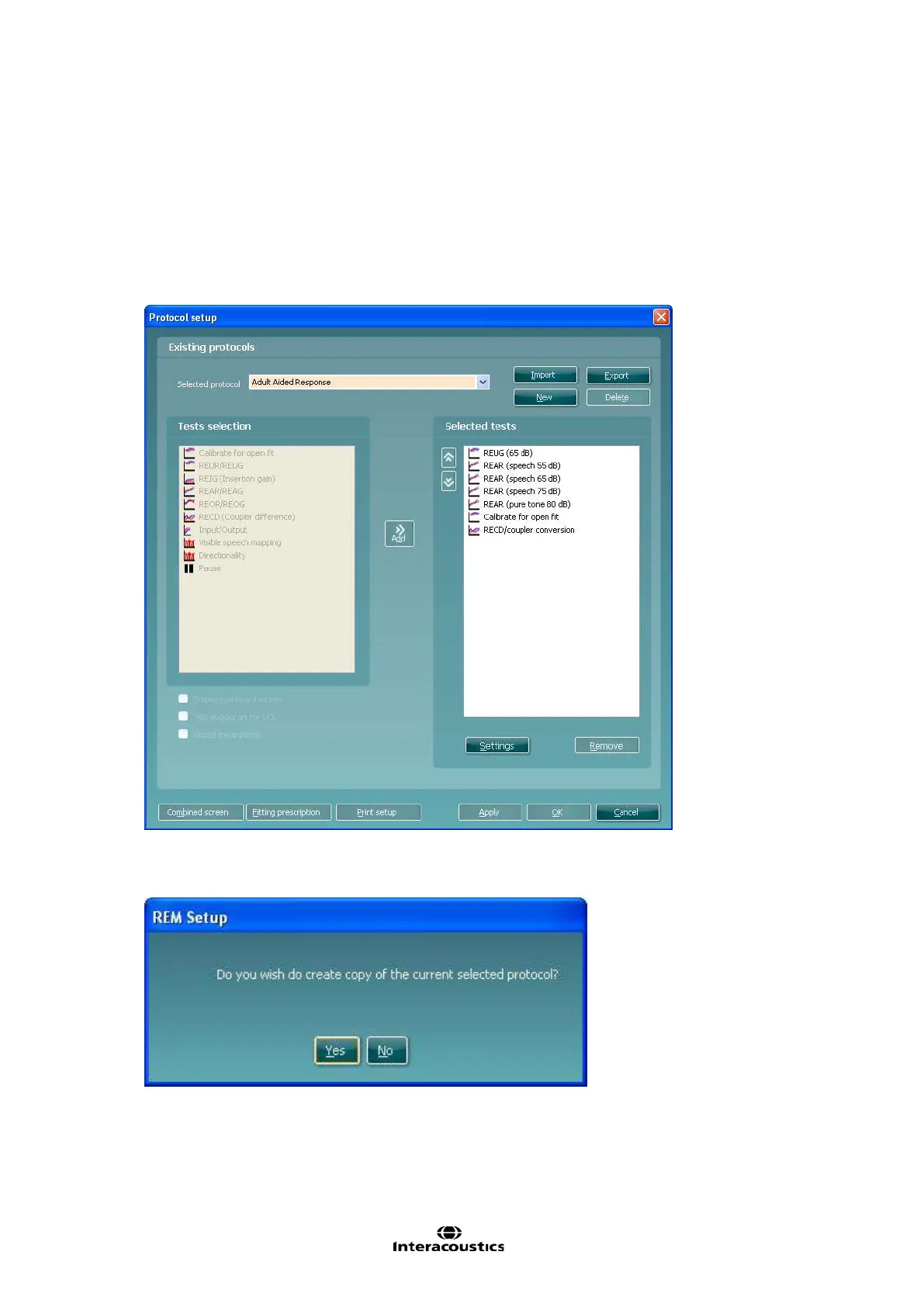
1) Enter the REM440 setup by pressing Menu/Setup/REM440 setup
2) Press New
3) A pop-up will ask whether the new protocol should be based on a copy of the currently selected
protocol. When asked by the message box:














 To Next Page