Affinity
2.0
Additional Information Page 176
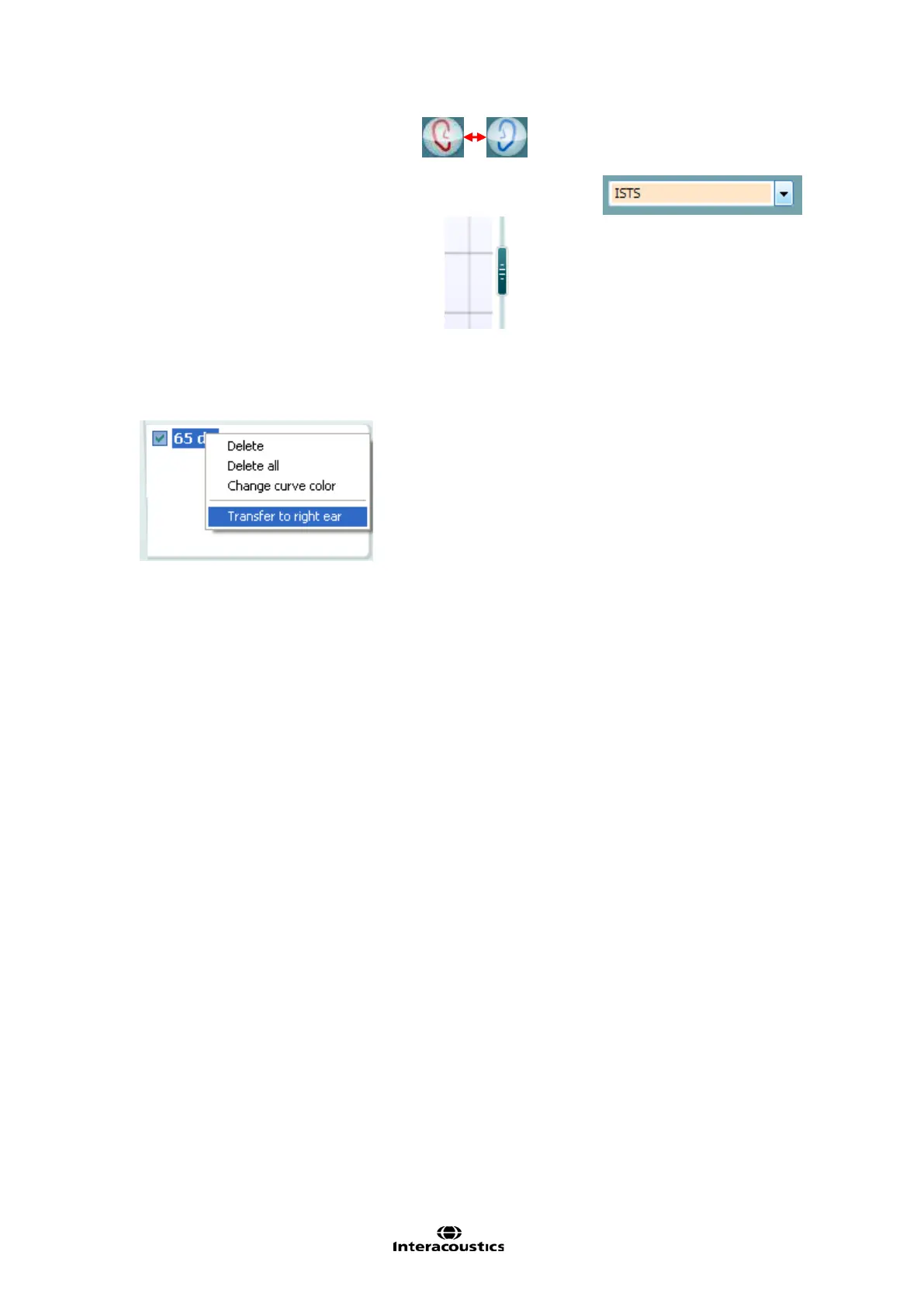
7) Ensure that the correct Ear is selected
8) Choose the preferred Stimulus in the corresponding dropdown list
9) Select input level using the Input level slider
10) Click START and the REUR/REUG will be performed.
Ensure that the room is quiet whilst the curve is obtained
11) If you wish to use the REUG/REUR for both ears, right click on the curve tag in the Curve display
options and select Transfer to left/right ear.
Note: If running the hearing aid manufacturers fitting software as well, the curve may be saved in Noah4 and
retrieved in the fitting software. The fitting target will then be recalculated based on the individual ear canal
resonance. These options, however, differ from manufacturer to manufacturer and will therefore not be
outlined in this manual.














 To Next Page