Affinity
2.0
Additional Information Page 186
6) Connect the tube to the BTE adapter as shown on the picture and click OK. The coupler curve will
be performed followed by a new instruction screen.
7) Disconnect the sound tube from the BTE adapter and connect it to the ear mould.
Perform otoscopy and insert the REM probe and ear mould as shown on the picture. You may wish
to use the slide-on ear loop which provides an easier fit.
Press OK and the ear curve will be conducted.
8) The measured curves are shown as:
• Recorded Ear curve
• Recorded Coupler curve
• RECD curve
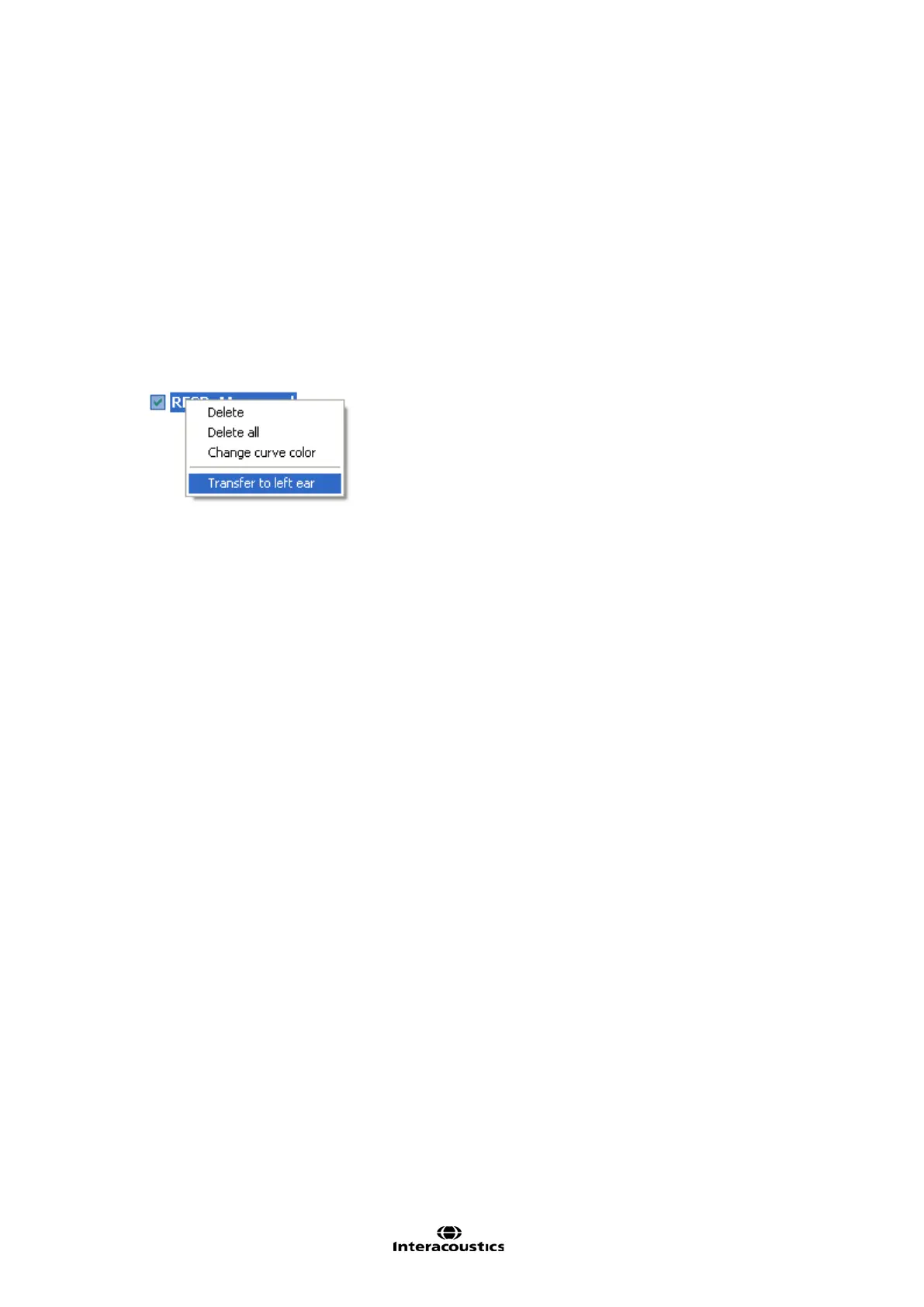
9) If you wish to use the RECD for both ears, right click on the curve tag in the Curve display options
and select Transfer to left/right ear.
You may also set setup the RECD to be trasferred to the oposite ear by default (see section 2.6.2.4)
Note: The RECD is performed at a fixed input level of 70 dB and cannot be adjusted by the user.














 To Next Page