Affinity
2.0
Additional Information Page 243
5) Menu/Setup
Menu/Setup/REM440 setup opens the REM440 where you can setup customised test protocols
(see section 2.6 for details)
Menu/Setup/General setup opens the General setup where settings valid for all tests can be
selected (see section 2.7 for details)
Menu/Setup/Temporary setup opens the Temporary setup where temporary settings for the
specific session can be selected (see section 07 for details)
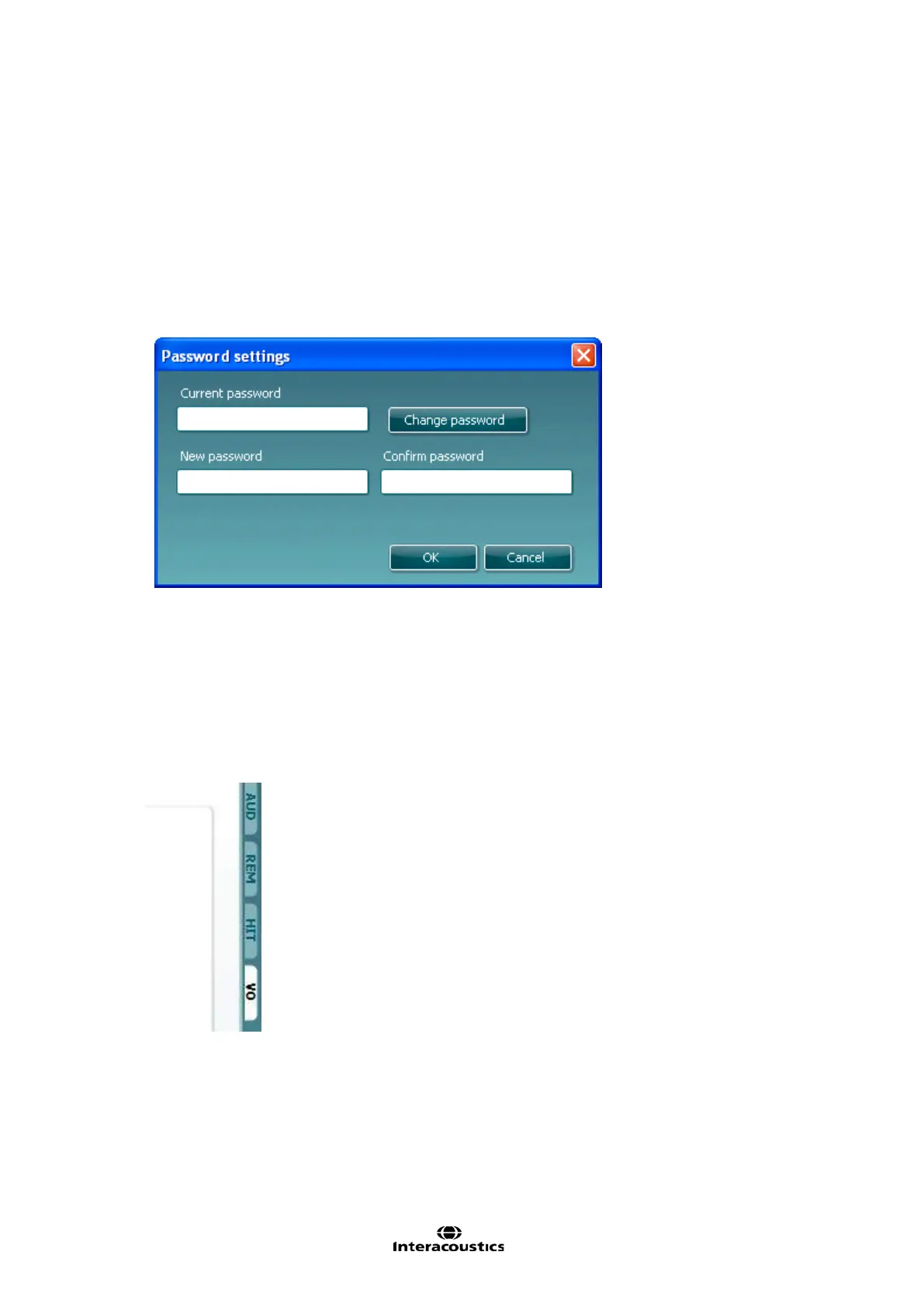
Menu/Setup/Password protection allows you create or change a password and thereby protect
your REM440 settings. Press Change password and type in the preferred password. Then press
OK. Note that your password needs to be activated in Protected settings under
Menu/setup/General setup (see section 2.7).
Menu Setup/Show/hide protocols prompts a screen allowing you to tick test protocols which are
to be shown in the List of Protocols and untick the test protocols which are to be hidden.
Menu/Setup/Show/hide stimuli prompts a screen allowing you to tick which stimuli are to be
shown in the Stimulus selection drop down list and untick the stimuli which are to be hidden.
Menu/Setup/Language opens the language selection. Choose from English, German, Spanish,
French, Finnish, Turkish, Korean, Polish, Italian, Japanese, Portuguese, and Chinese (People’s
Republic of China) The system must be restarted in order for a new language selection to take
effect.
Menu/Setup/General suite settings is relevant if the VIOT video otoscope is installed. When the
otoscope is connected a tab will appear in the upper right hand corner of the screen.
If you wish the VIOT tab to show even when the equipment is not connected, tick Always show VIOT
tab in the General suite settings.














 To Next Page