Affinity
2.0
Additional Information Page 256
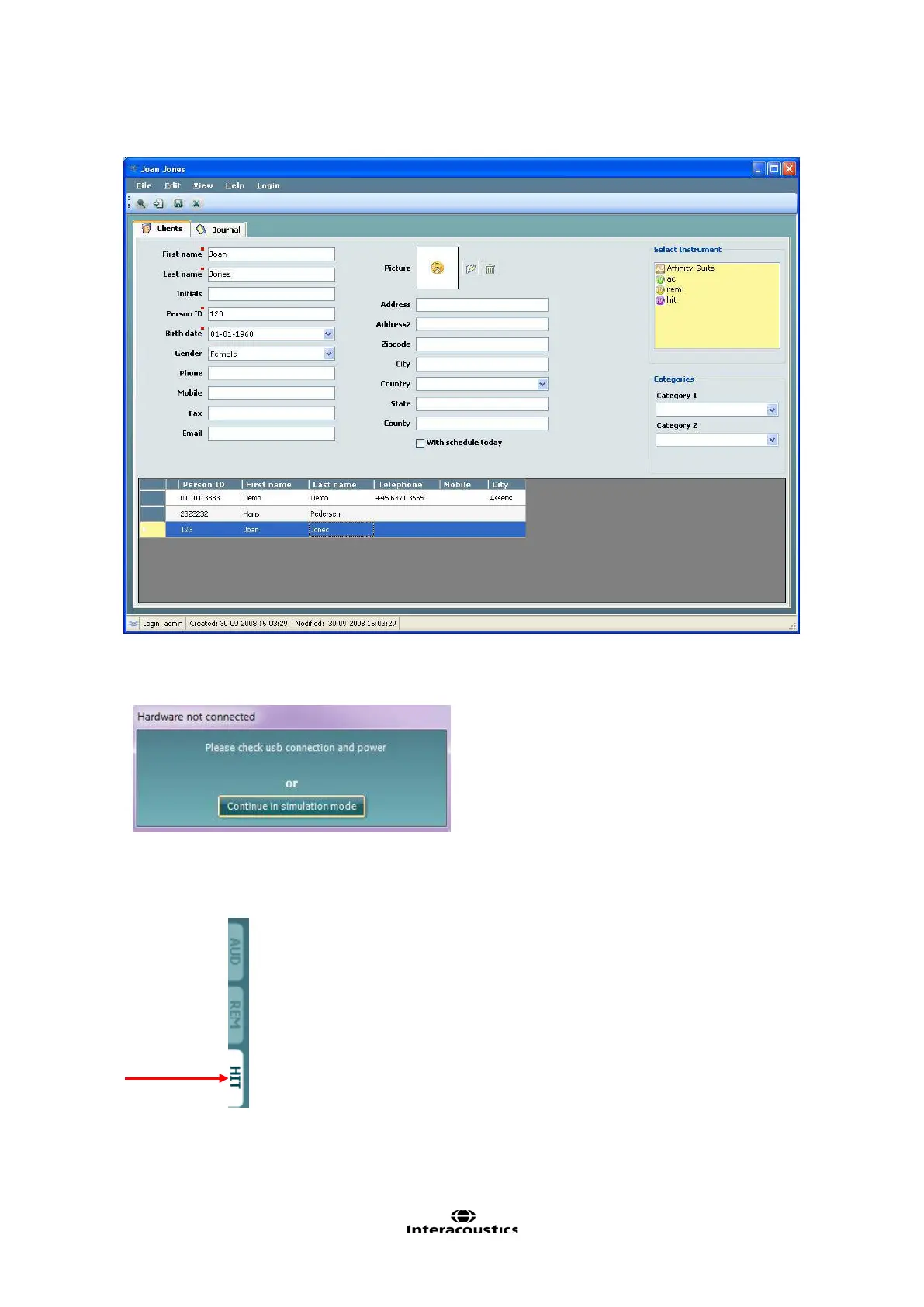
4. Double click on Affinity
2
Suite icon in the Select Instrument box
4) The selected suite will now open and automatically search for the hardware. If it does not detect the
hardware a dialog box pops up and asks if you want to run in Simulation mode. To continue with the
use of hardware.
Click the HIT tab in the upper right hand side of the screen to open the HIT440 module (if this is not
already active)
For further instructions about working with the database, please see the operation manual for OtoAccess™.














 To Next Page