Affinity
2.0
Additional Information Page 302
Sweep delays: This is relevant if Continuous measurement is selected for Pure Tone or Warble
Tone. In this case sweep delays (in milliseconds) may be entered between the individual
sweeps (see section 3.6.6.2 for details).
Stimulus Frequency: Select the frequency of the input stimulus using the slider.
Show gain values: Tick the box to show the Input/Output in dB gain as well as dB SPL.
3) Recording Method:
Stimulus resolution: Select the stimulus resolution using the slider.
Sweep Speed: Select the speed using the slider. The sweep speed affects the precision of the
knee-point calculation. The slower speed the higher precision. The current speed will be written
just above the slider expressed in dB per second.
4) Te st Settings:
Battery simulator: Select the correct battery type for the hearing aid to be used under the test.
In general Zinc-air types will give best results, particularly on power hearing aids, as this battery
type is best at providing current. If a Zinc-air battery type is selected, then an estimated battery
lifetime is calculated as part of the Battery Current Drain test. If Standard battery is selected, a
traditional high quality zinc-air battery is simulated. Additional battery types may be custom
designed with specific characteristics by the HIT440. This can provide interesting information on
how a particular hearing aid performs with a good battery and with a poor battery.
If “Not Used” is selected no power is supplied by the battery simulator.
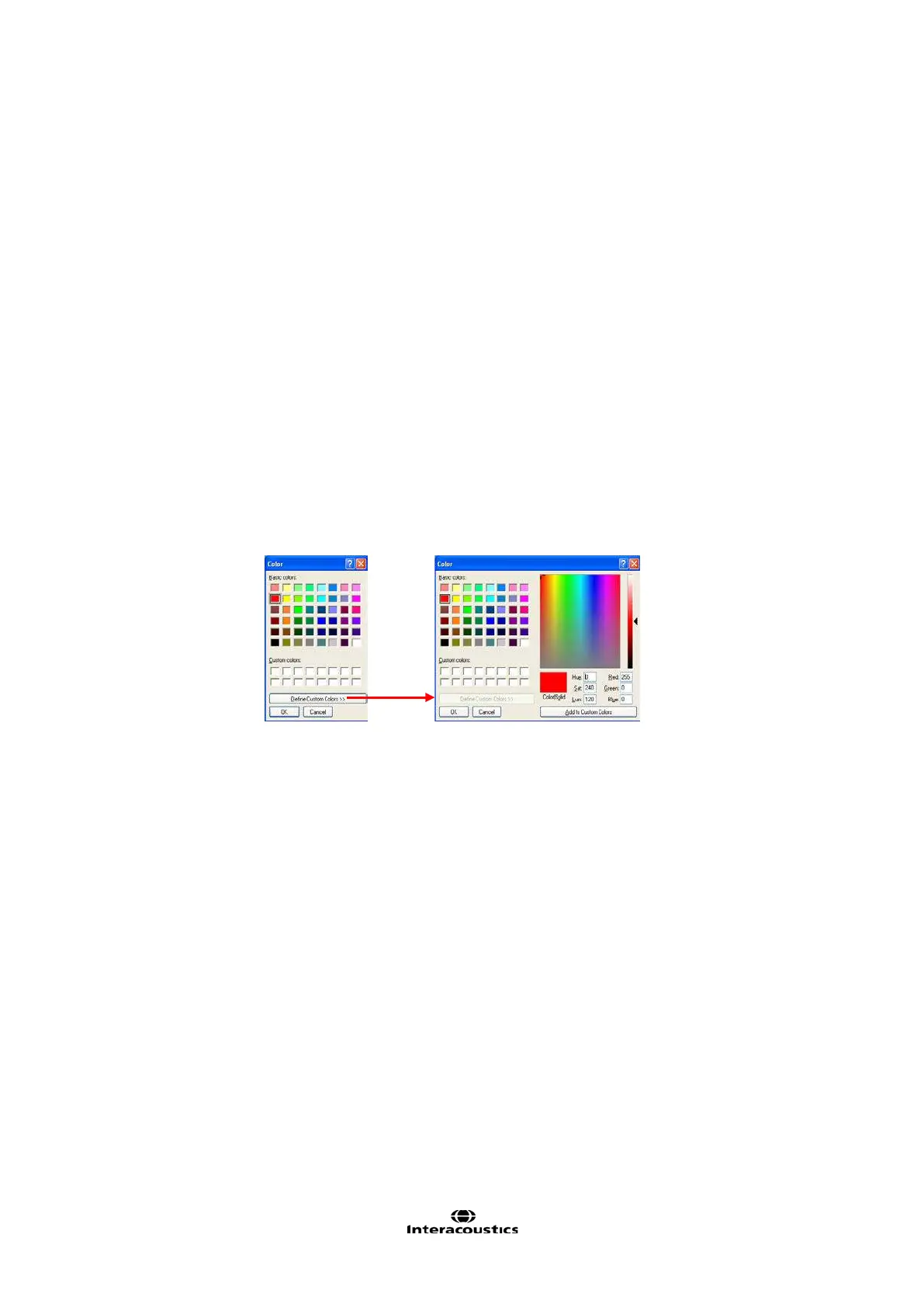
Color: Select a colour for the Right and Left curve.
Press each of the buttons to have the custom colour selection below. Choose the desired colour
by clicking on it and press OK.
Note the option to Define Custom Colours to get a more extensive selection. When having
found the exact colour, press Add to Custom Colors.














 To Next Page