Affinity
2.0
Additional Information Page 304
Note: In the General Setup it is possible to set a warning, which will pause the test and prompt the
user if a recording falls outside tolerance limits.
5) Test Settings:
Battery simulator: Select the correct battery type for the hearing aid to be used under
the test. In general Zinc-air types will give best results, particularly on power hearing
aids, as this battery type is best at providing current. If a Zinc-air battery type is
selected, then an estimated battery lifetime is calculated as part of the Battery Current
Drain test. If Standard battery is selected, a traditional high quality zinc-air battery is
simulated. Additional battery types may be custom designed with specific
characteristics by the HIT440. This can provide interesting information on how a
particular hearing aid performs with a good battery and with a poor battery.
If “Not Used” is selected no power is supplied by the battery simulator.
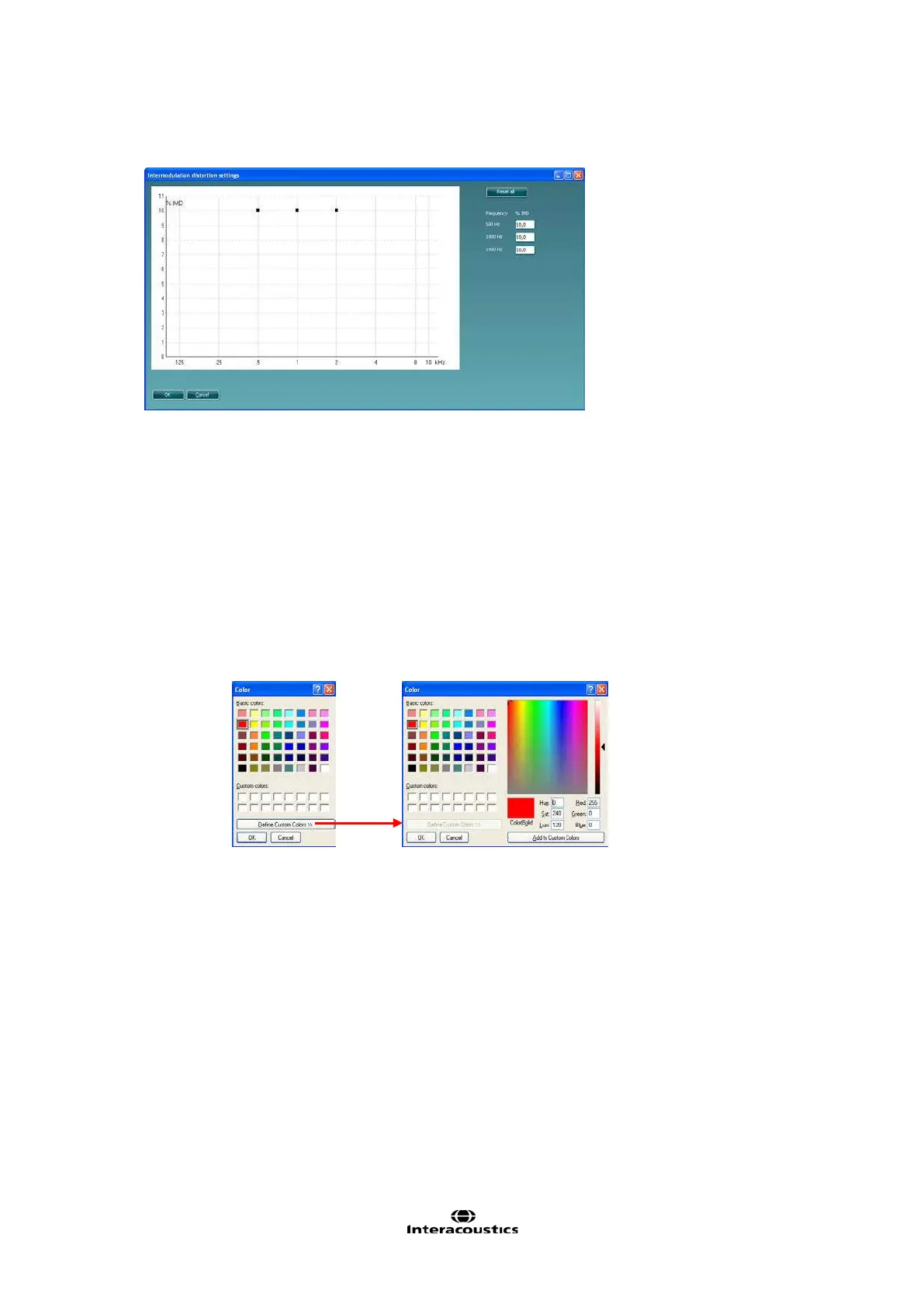
Color: Select a colour for the Right and Left curve.
Press each of the buttons to have the custom colour selection below. Choose the
desired colour by clicking on it and press OK.
Note the option to Define Custom Colours to get a more extensive selection. When having
found the exact colour, press Add to Custom Colors.














 To Next Page