–
117
–
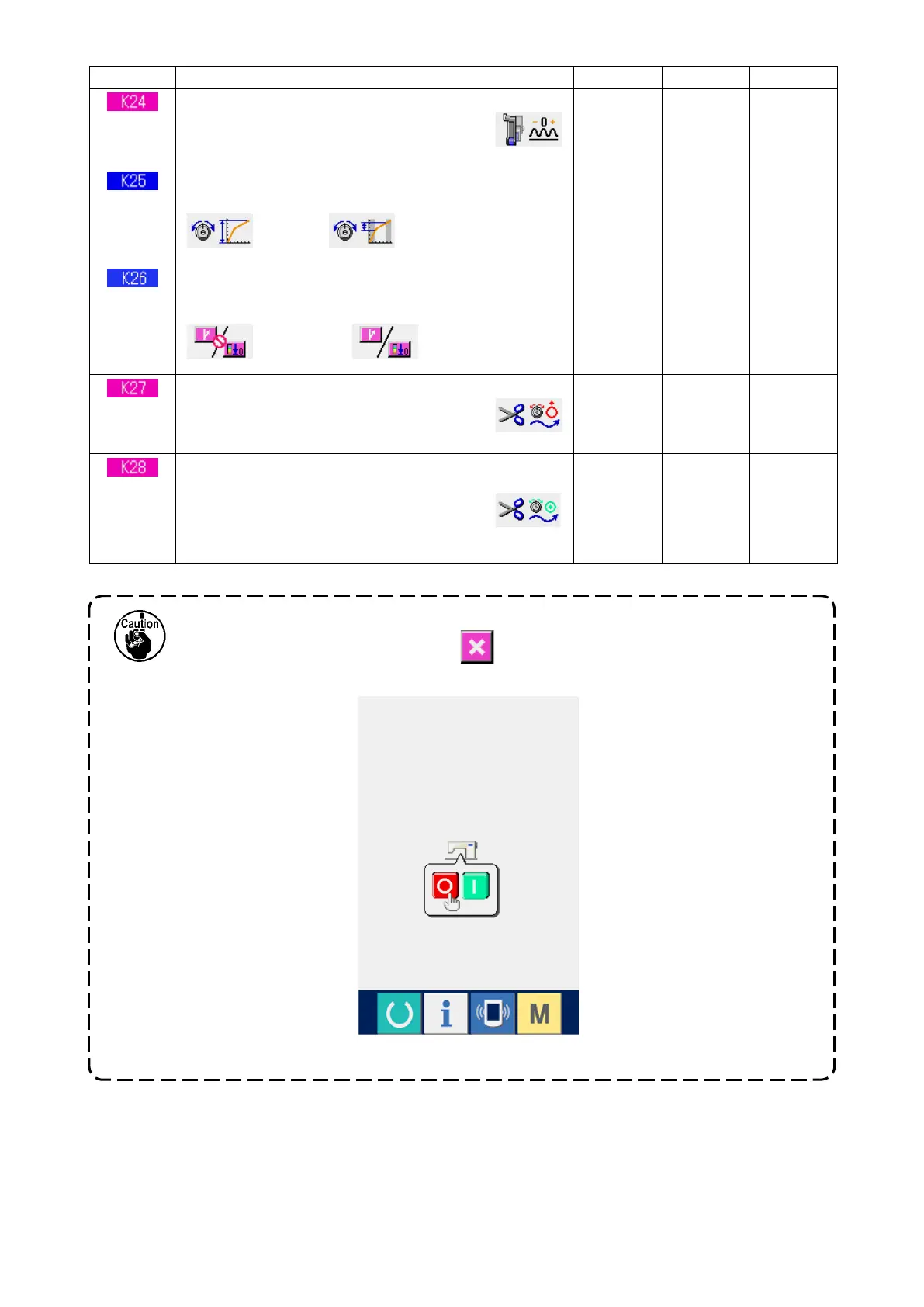
When the contents of level 2 have been changed, the screen becomes POWER OFF
screen after pressing CLOSE button
. Accordingly turn ON the power again after
turning OFF the power once.
"POWER OFF screen"
No. Item
Setting range
Edit unit
Initial display
Top feed amount compensation value setting
Compensation value of set value and
actual value of top feed amount is set.
–1.0 to
1.0
0.1mm 0mm
Thread tension curve selection
Inclination of thread tension curve is selected.
: Standard
: Gentle (thin materials)
– – – – – –
Standard
Reverse stitching button display selection
Display of reverse stitching button in the sewing screen
is selected.
: Non-display
: Display
– – – – – –
Non-
display
Dish-rise timing setting
Disk-rise timing from the start of thread
trimming is set.
0 to 40
1 18
Length of remaining thread setting
Length of remaining needle thread at the
time of thread trimming is set. When the
set value is changed, the disk-close timing
from the disk-rise
0 to 40
1 5



 To Next Page